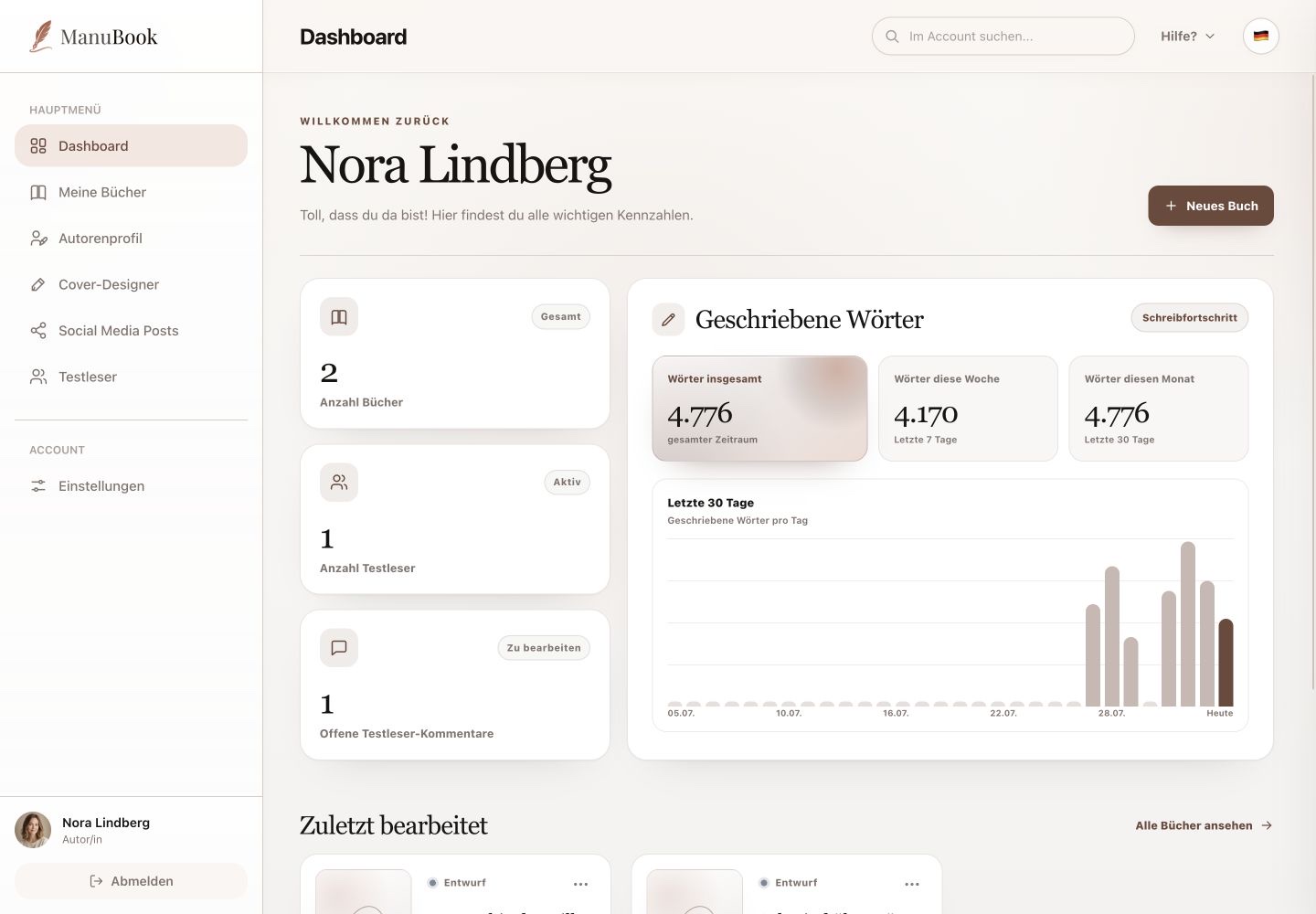
The Dashboard summarises the current state of your account. It shows totals and trends, but it does not display individual beta-reader comments.
1. Understand the three metrics
“Books” counts your book projects. “Beta readers” shows active reader access. “Open beta-reader comments” is only the total number of unresolved responses. Open the relevant book and select “Comments” and “Beta-reader comments” to read them.
2. Put word totals in context
The statistics show all words, words from the last seven days and words from the last 30 days. The chart below displays words written per day across a fixed 30-day period. There is no time-range selector here.
- Notes, character profiles and plot points are not manuscript text.
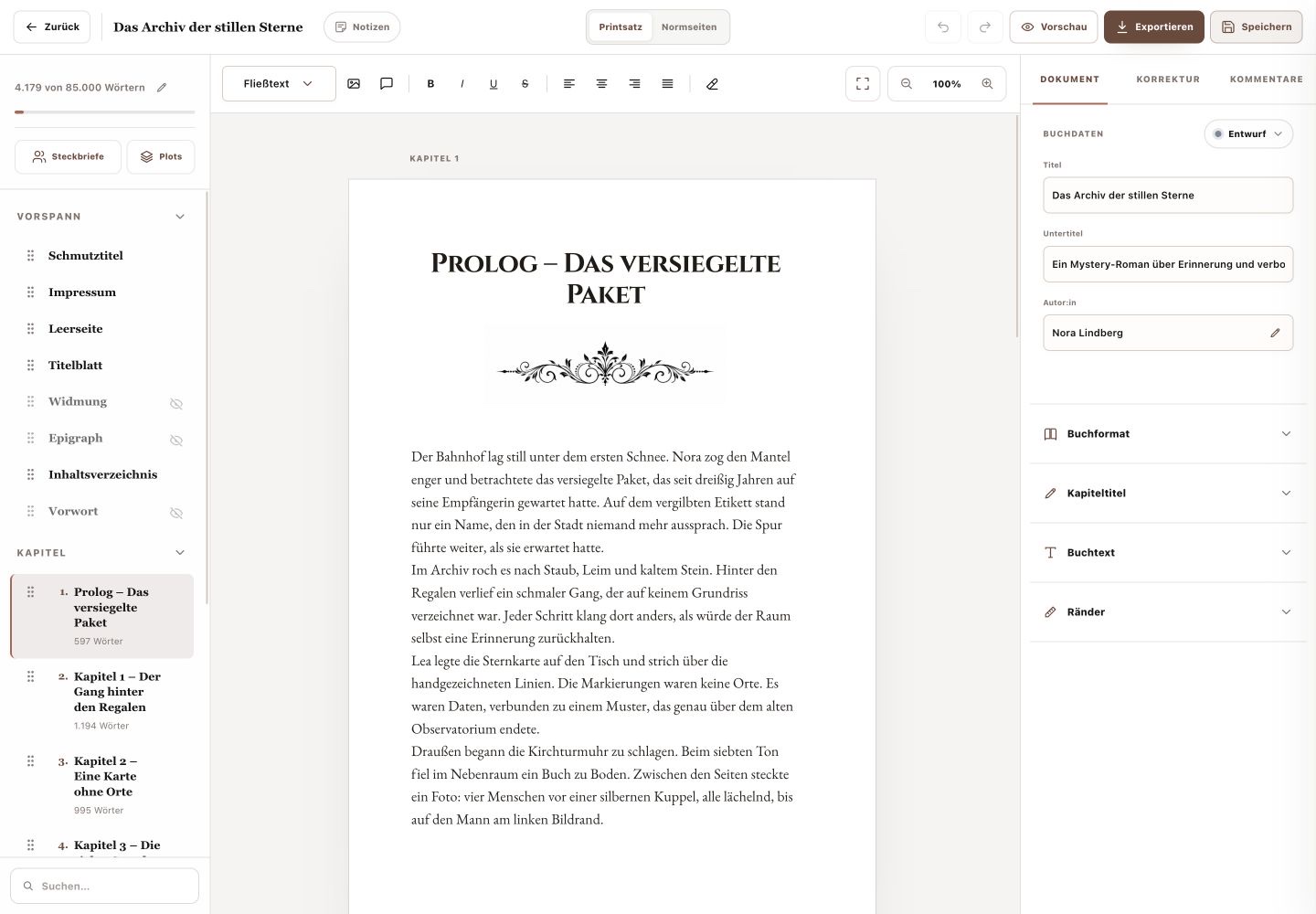
- A book's percentage progress uses that book's word target and appears on its card and in the writing studio.
3. Use the book cards
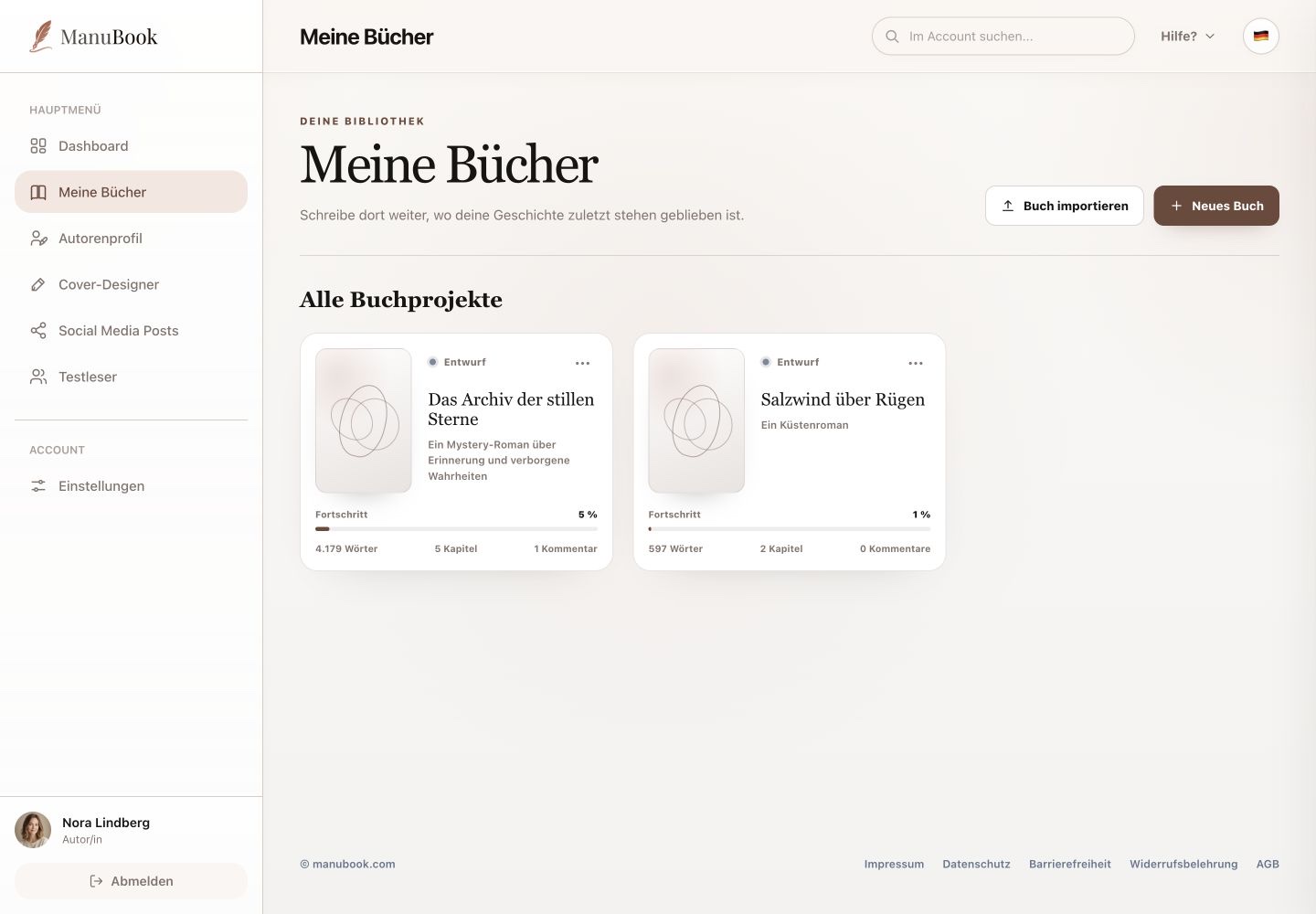
Recently Edited shows each book's status, progress, words, chapters and comments. Open the book when you need details or want to process feedback.
You can interpret every value correctly without expecting detail features that the Dashboard does not provide.