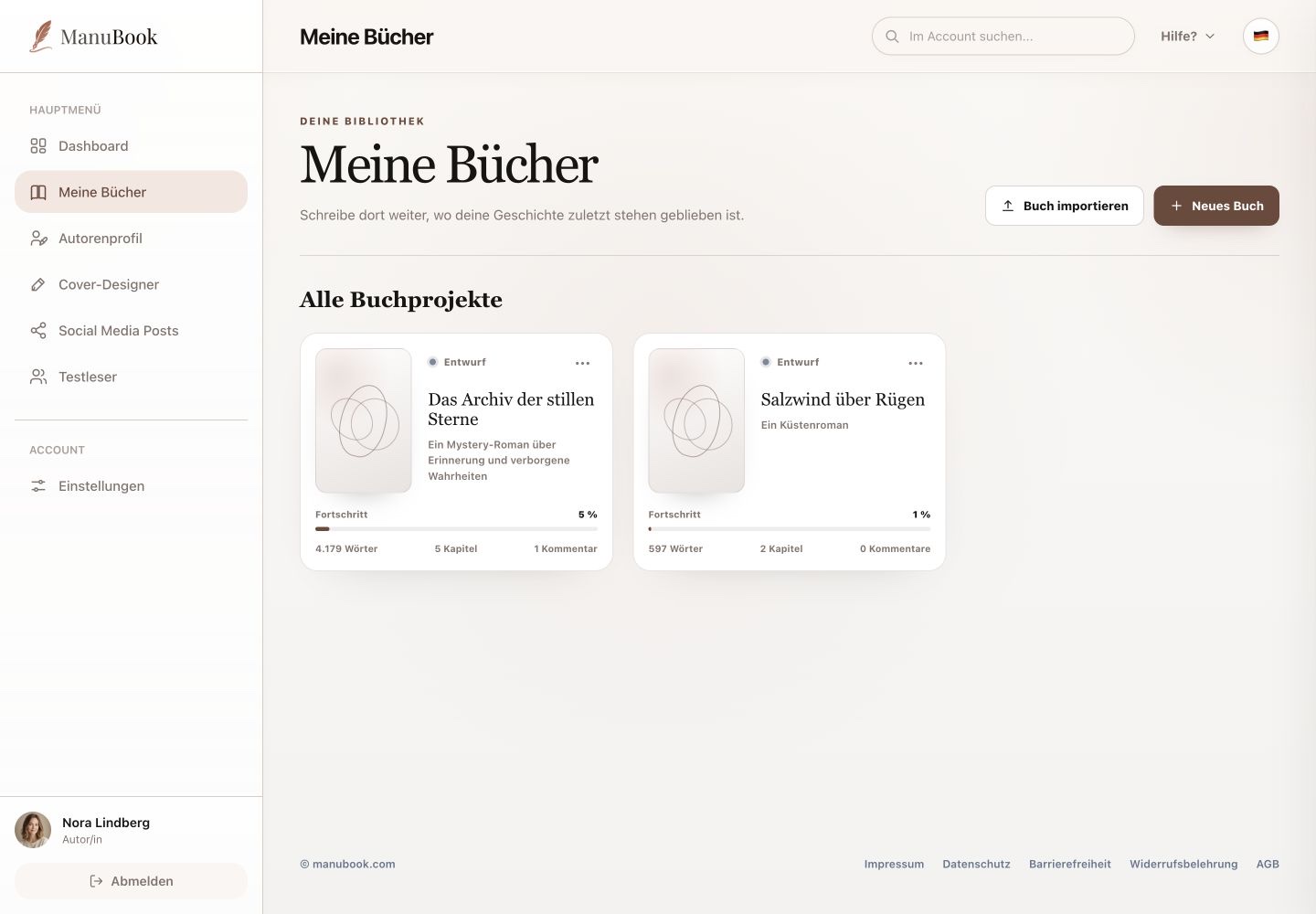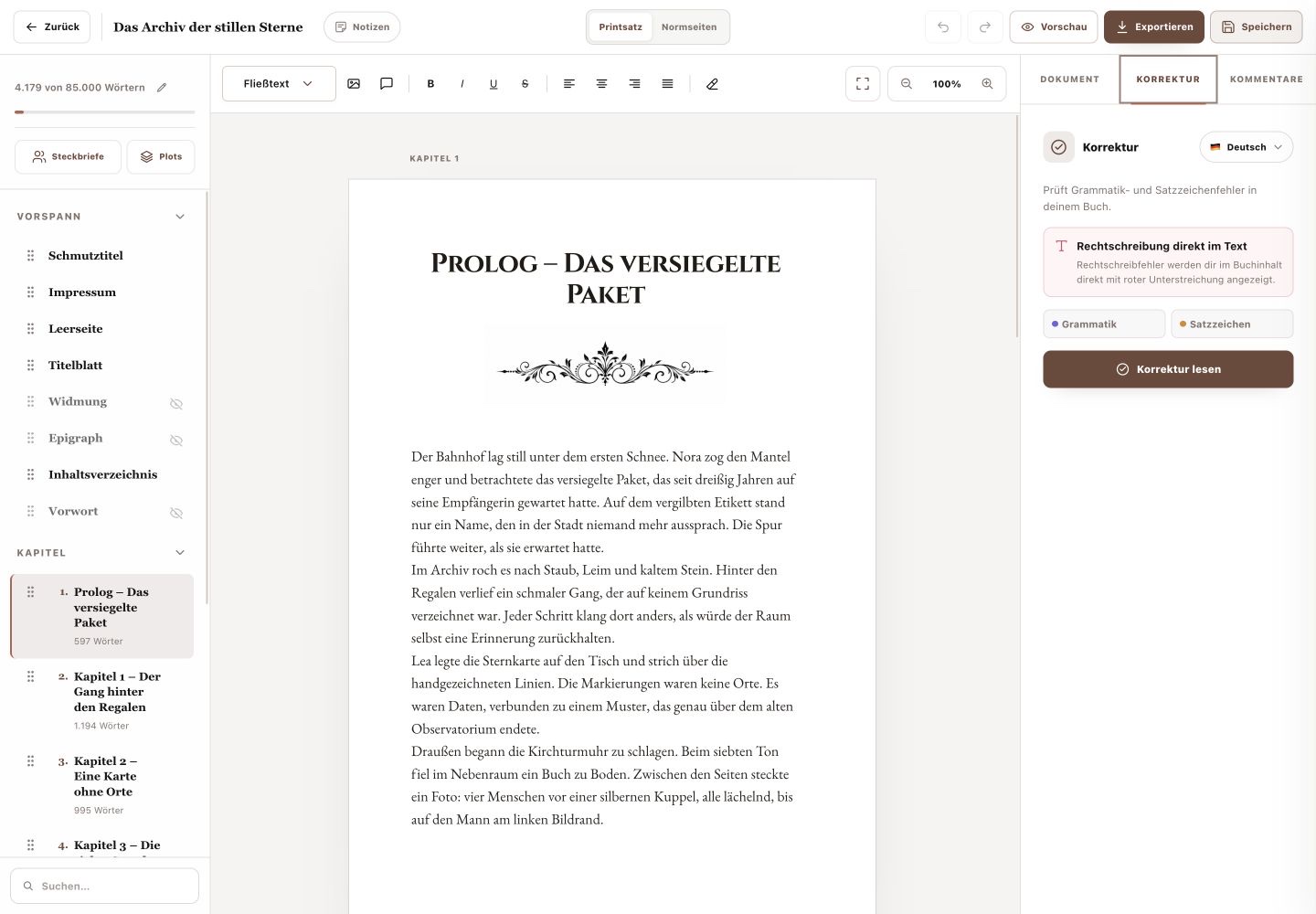
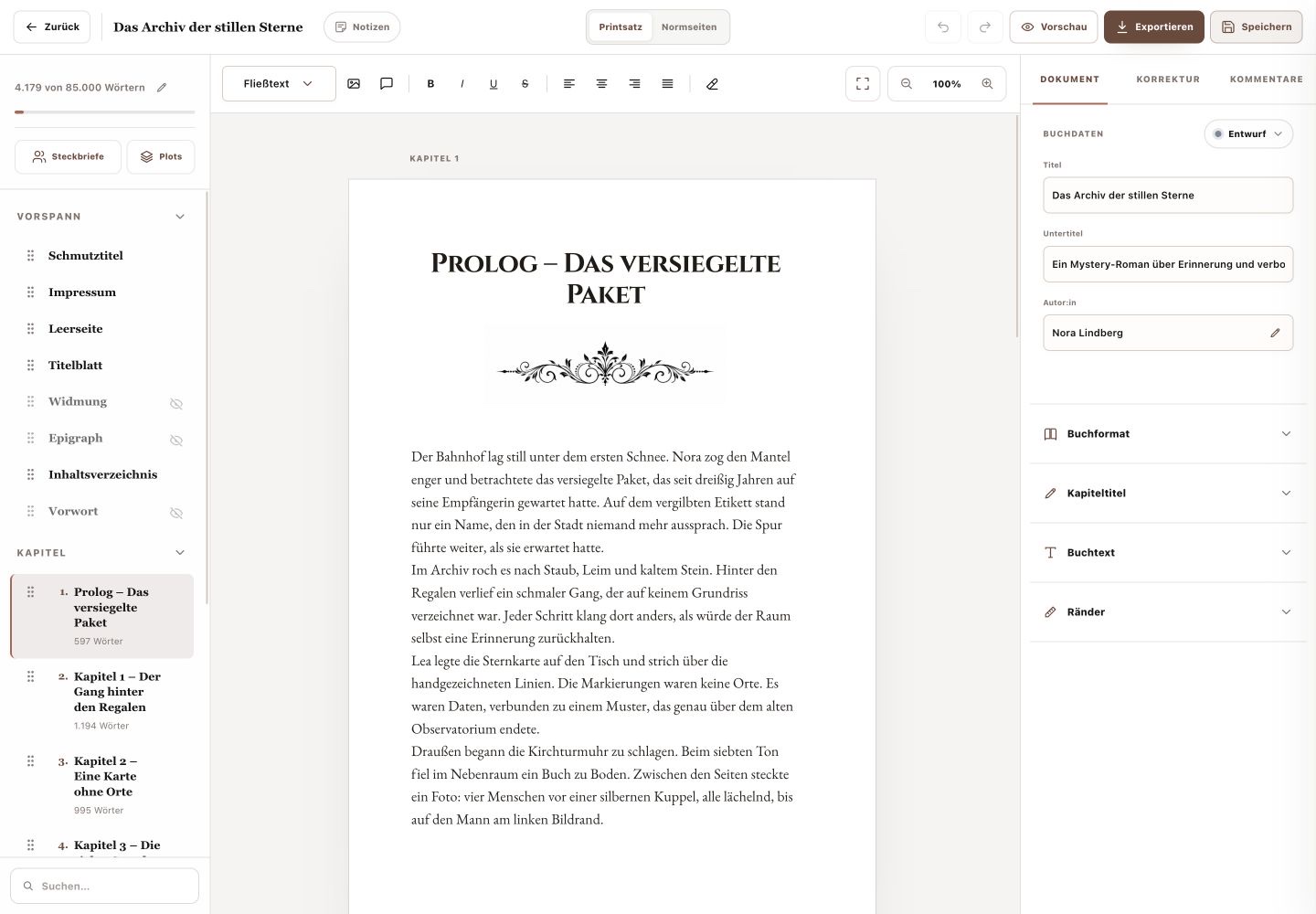
After opening a book, its complete structure appears on the left of the writing studio. There is no additional section or tab called “Write”.
1. Open and add chapters
Select a chapter title to edit it in the centre. “Add chapter” creates a new section. Change the chapter title directly in the title field above its text.
2. Arrange or delete chapters
Each chapter has a drag handle and a delete action. Drag chapters into the intended order. Be especially careful with deletion because its text will no longer be part of the book structure.
- “Search manuscript” helps with long books.
- Use “Edit word target” above the structure to change the book goal.
3. Control front and back matter
Front matter includes the half title, legal notice, blank page, title page, dedication, epigraph, table of contents and foreword. Back matter includes acknowledgements, glossary, about the author, advertising and a blank page. Use the eye action to show or hide an item and the drag handle to change its order.
Your book structure is clear and used in this order for preview and export.