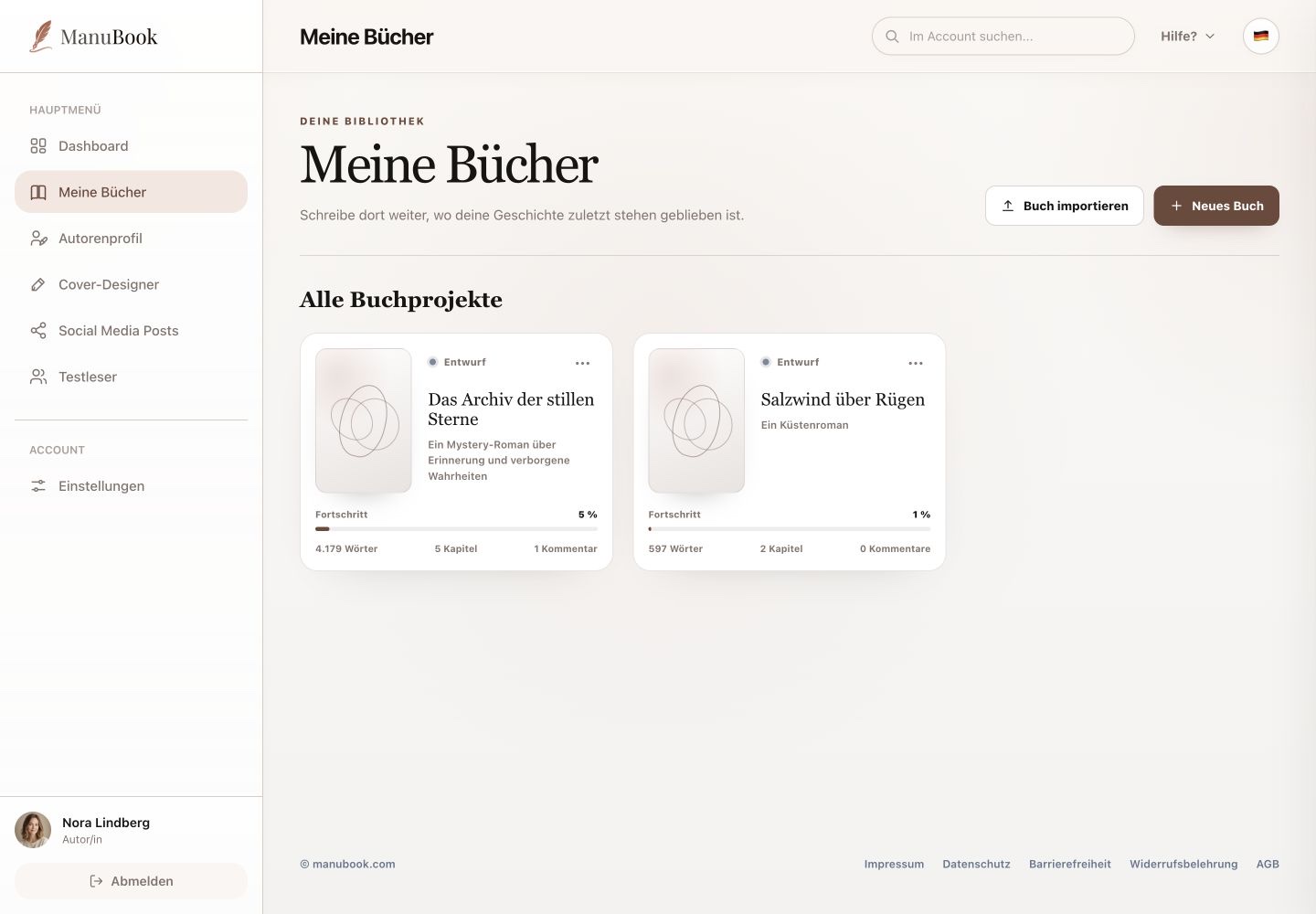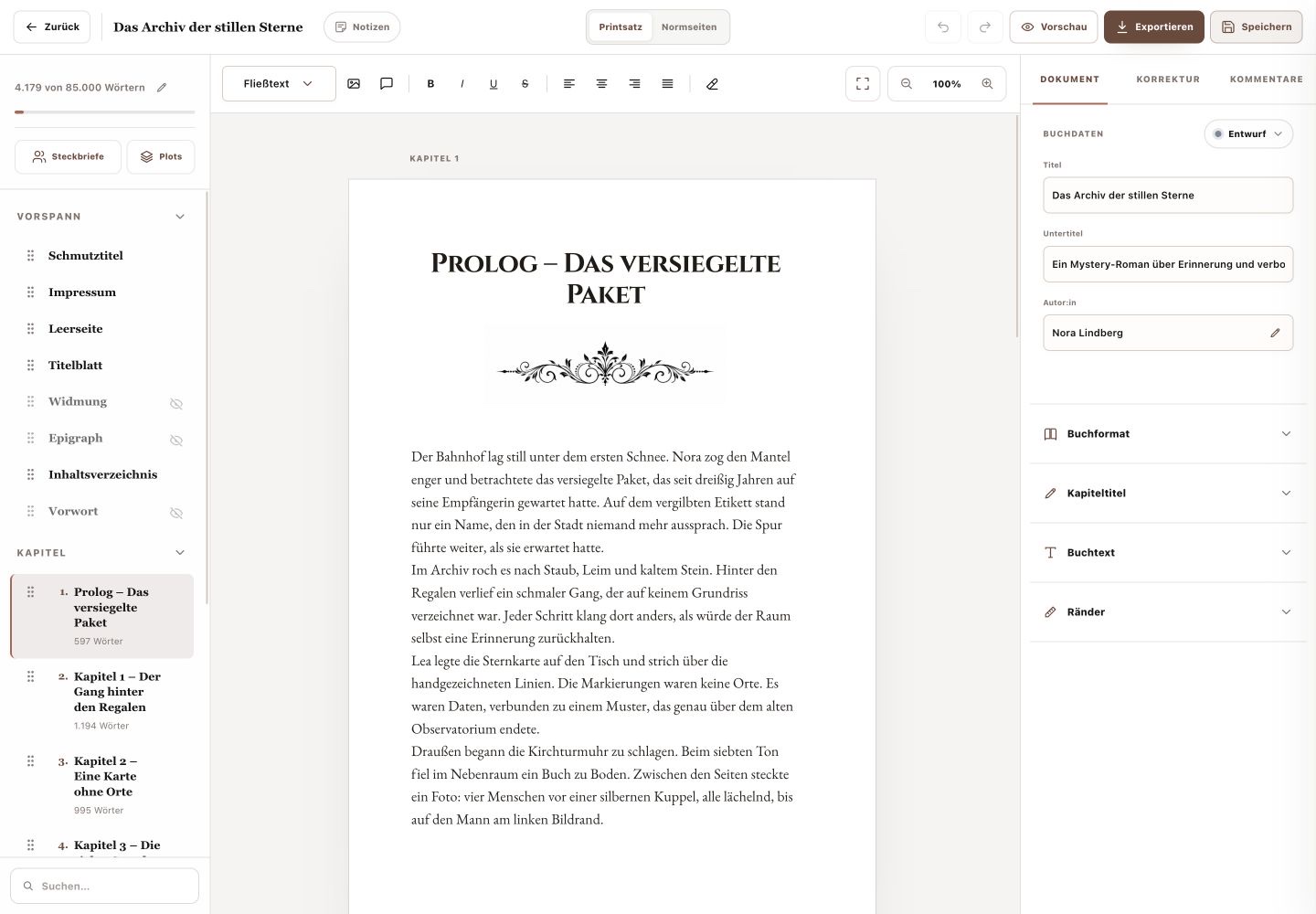
Proofreading separates two kinds of guidance: spelling errors appear directly in the book text, while grammar and punctuation are analysed by a separate check.
Menu pathMy Books → Open book → Proofreading
1. Check the proofing language
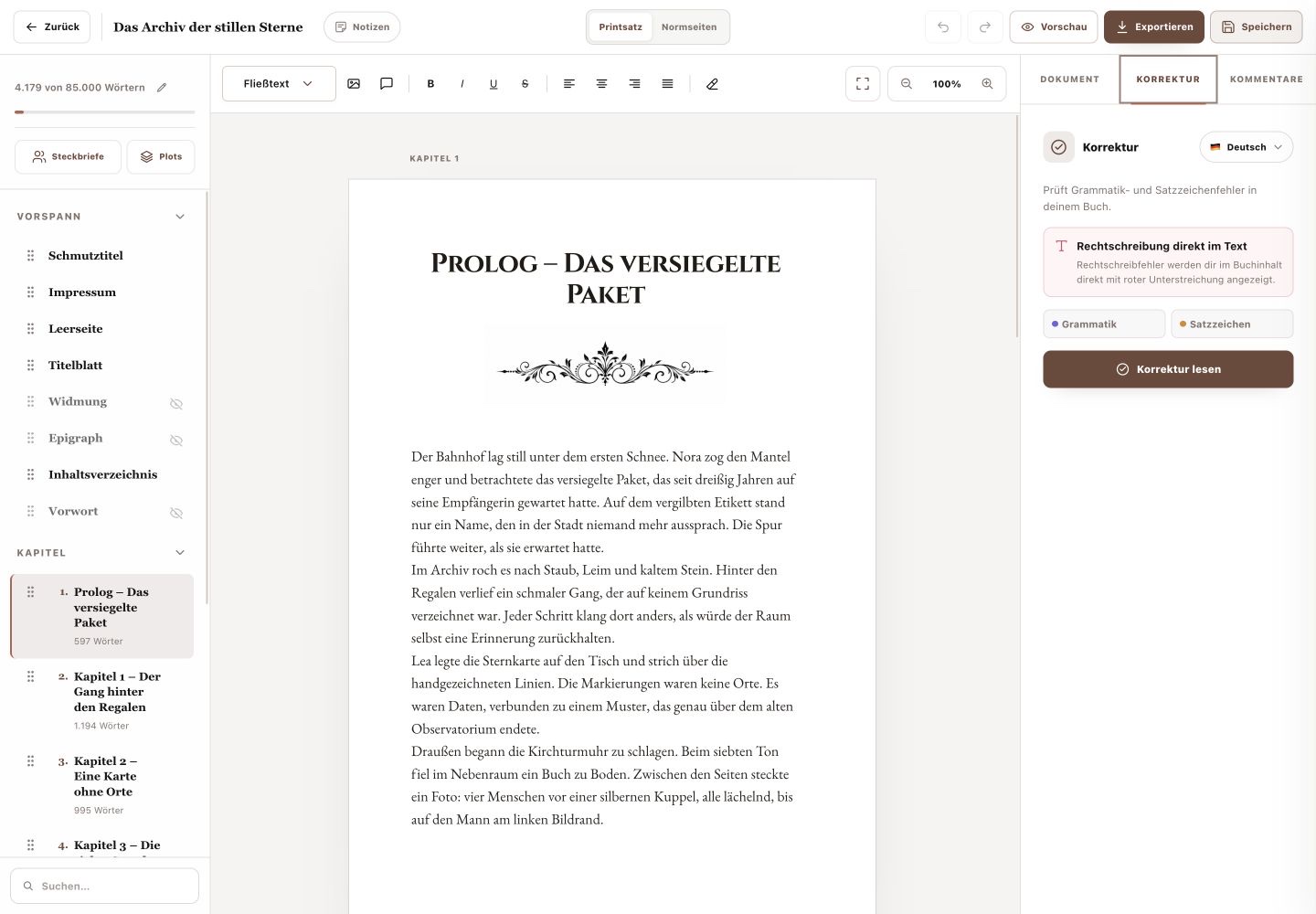
The current language appears at the top of the Proofreading tab. Confirm it before running the check so grammar and punctuation match the manuscript.
2. Correct spelling inline
Spelling errors are underlined in red in the book content. Edit the word directly in the text. There is no separate list with a selectable chapter scope.
3. Check grammar and punctuation
Select “Proofread” to check the book for grammar and punctuation issues. Judge every suggestion in its full sentence and save accepted text changes with “Save” afterwards.
- This is not a general style or character-voice analysis.
- Proper names and intentionally unusual wording may be correct.
Done
You understand which errors appear inline and what the Proofread action checks.