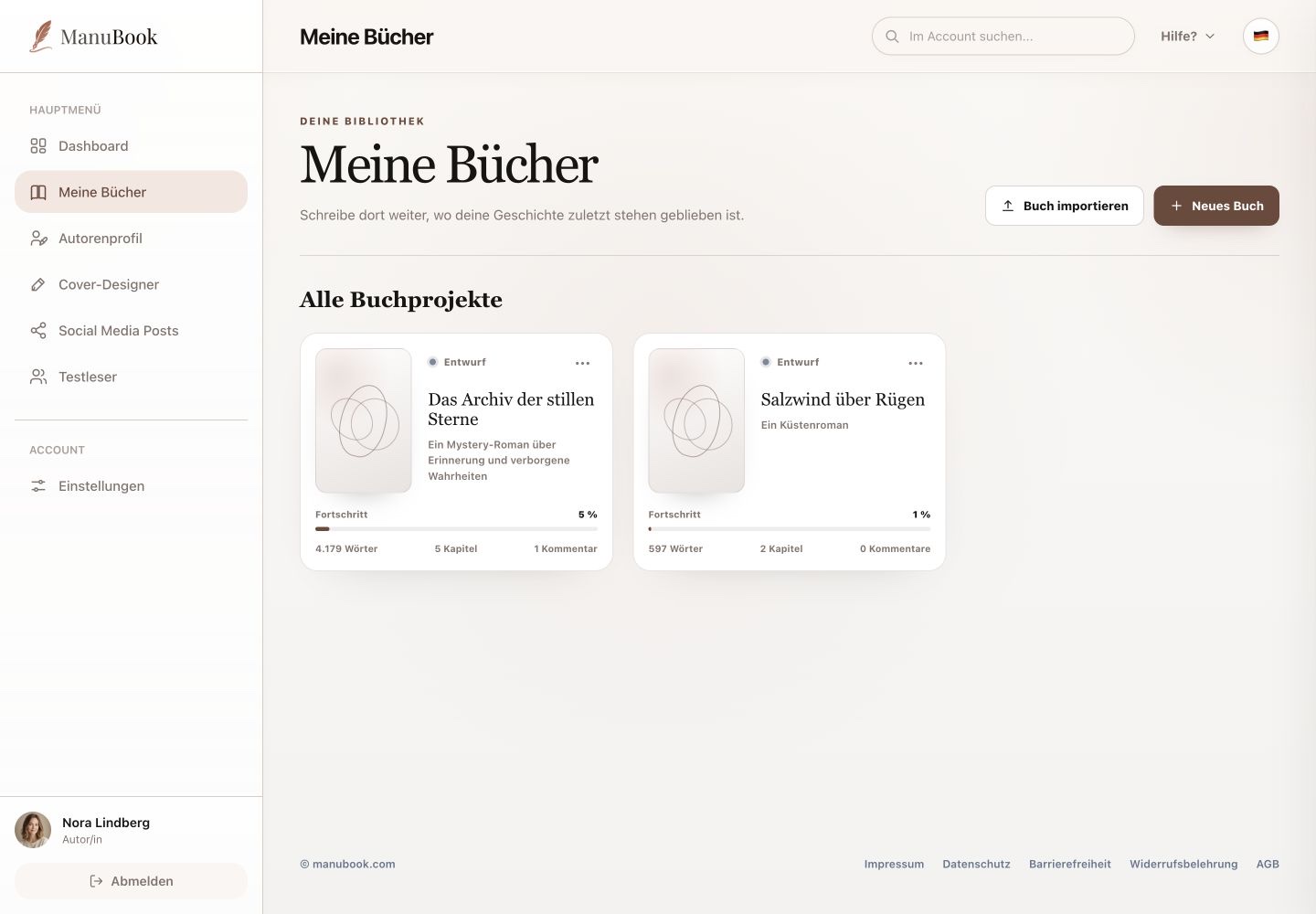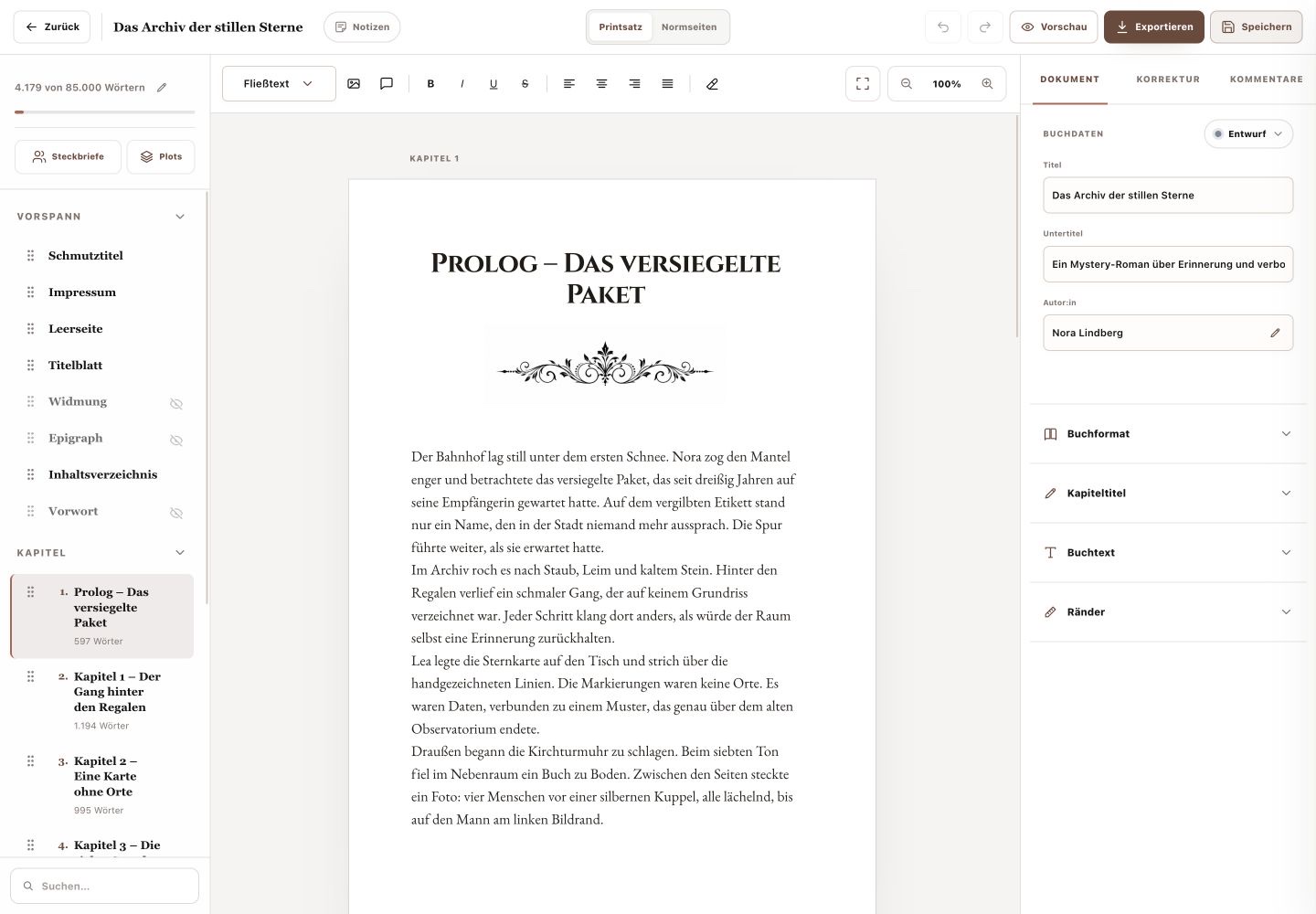
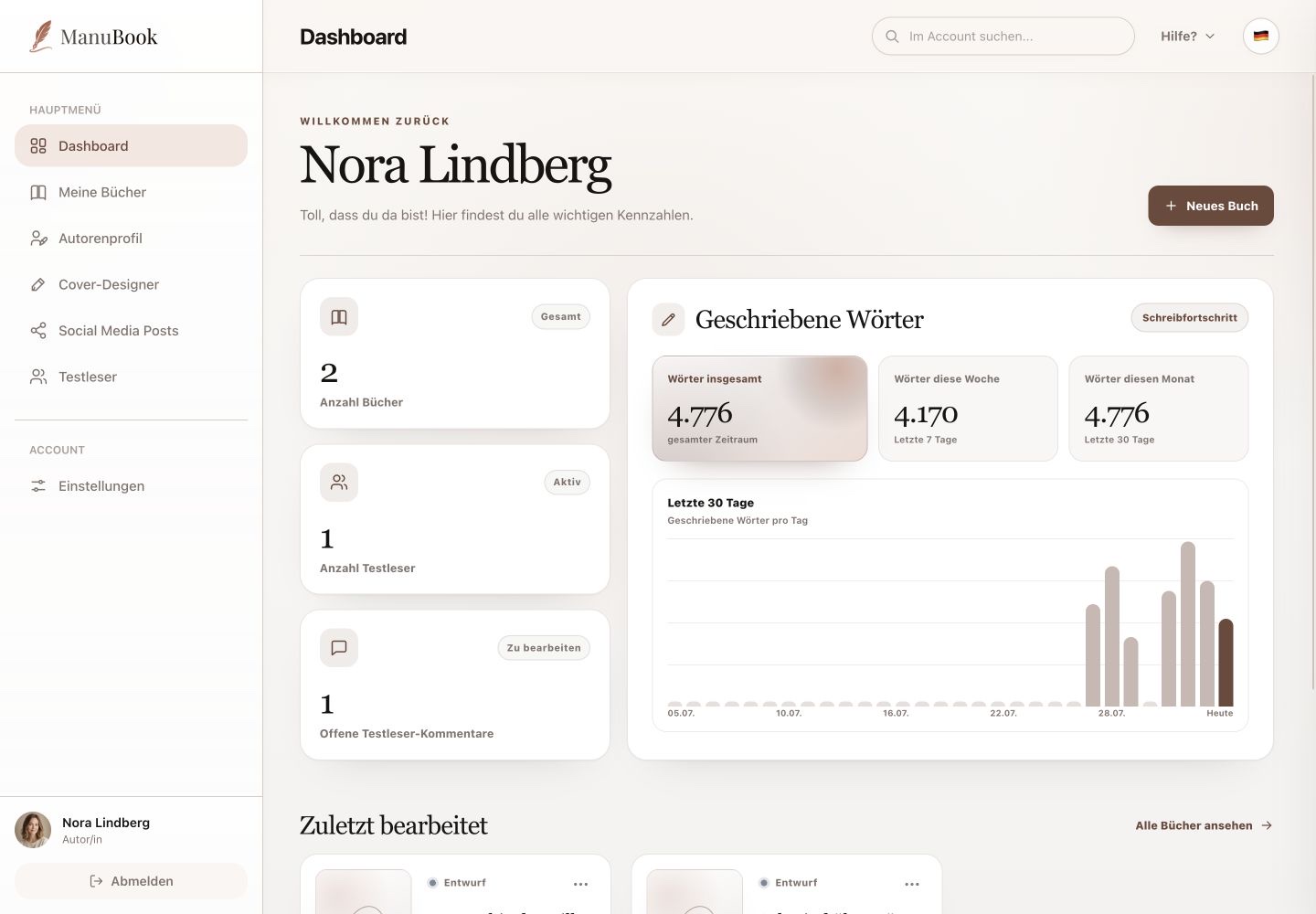
After signing in, the Dashboard gives you a compact overview of your account. From here you can open an existing book or create a new book project.
Menu pathDashboard
1. Move between sections
The navigation on the left opens Dashboard, My Books, Author Profile, Cover Designer, Social Media Posts, Beta Readers and Settings. The current section is highlighted.
2. Continue a book
Recently Edited shows your latest book projects with their status, word count, chapter count and comment count. Selecting a book card opens that book's writing studio.
- Find the book under “Recently Edited”.
- Check its title and progress.
- Select the book card to open it.
3. Start a new book
“New Book” is the only quick action on the Dashboard. It opens a window where you enter a title and create the project. Beta readers are invited only from the “Beta Readers” section.
Done
You know exactly what the Dashboard offers and where to find the other tools.