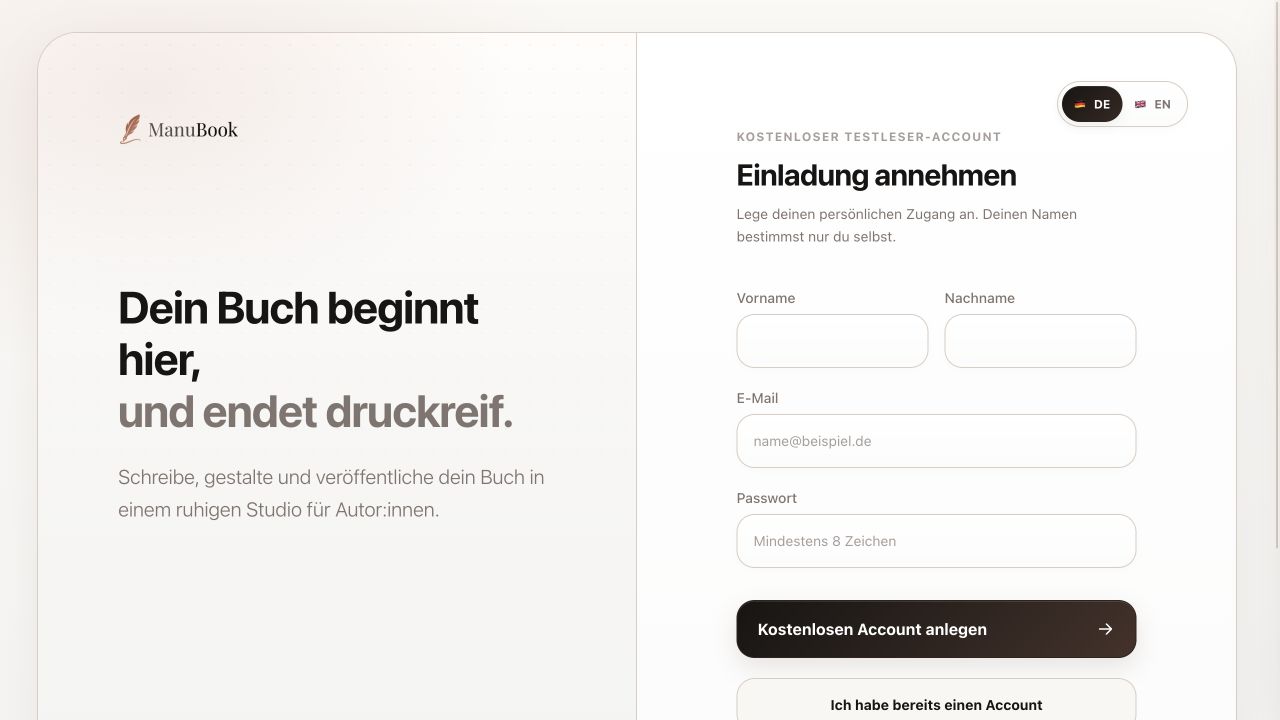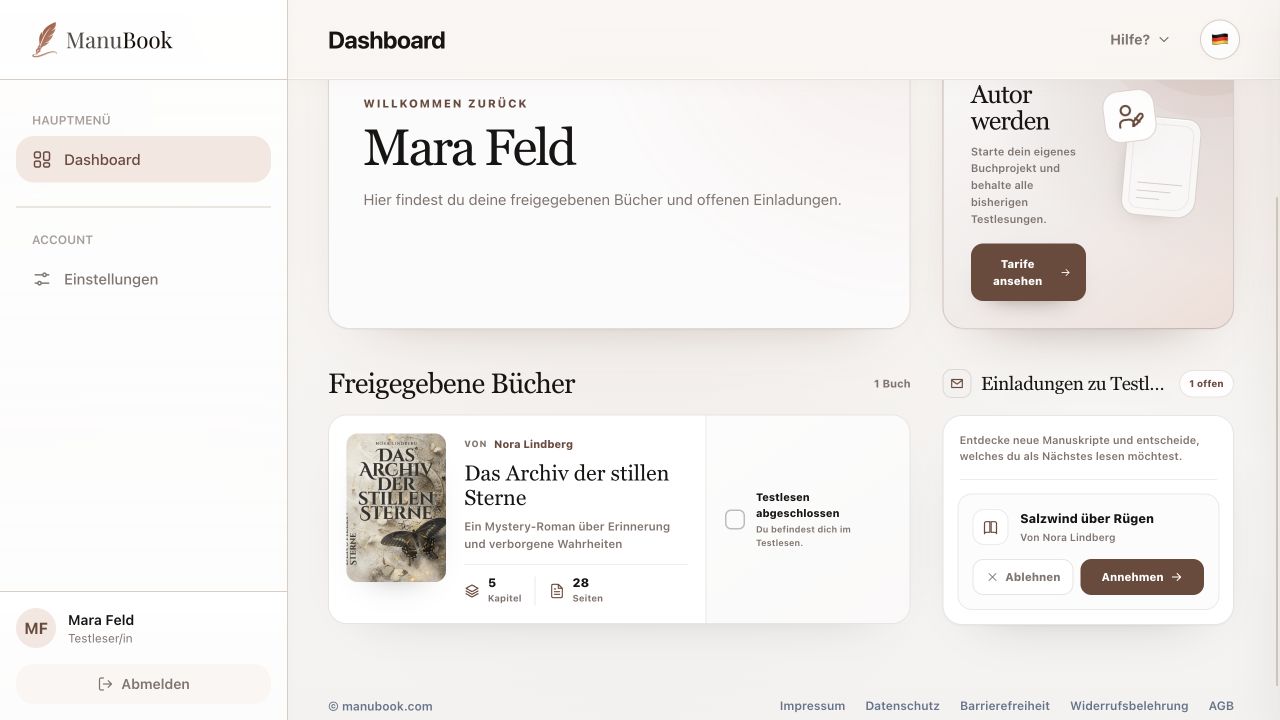
A shared manuscript opens in Read & Comment mode. You read the author's current version but cannot change, format, save or export its text.
1. Use the book structure
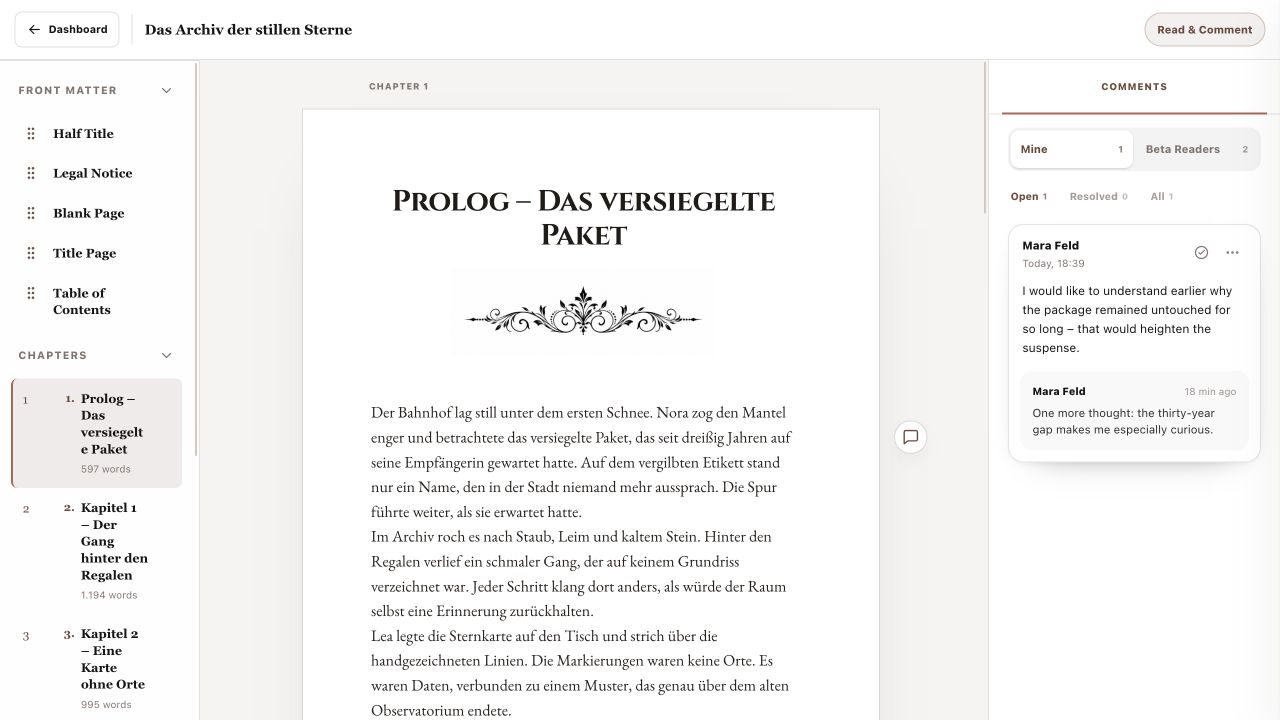
On desktop, front matter, chapters and back matter appear on the left. Select an item to move straight to it. “Next Chapter” continues at the end of a chapter. On smaller screens, use the compact chapter selector above the text.
2. Understand reading mode
The Read & Comment badge confirms beta-reader access. Manuscript text and design belong to the author. Editing, saving, preview and export actions are not available to you.
3. First-open introduction
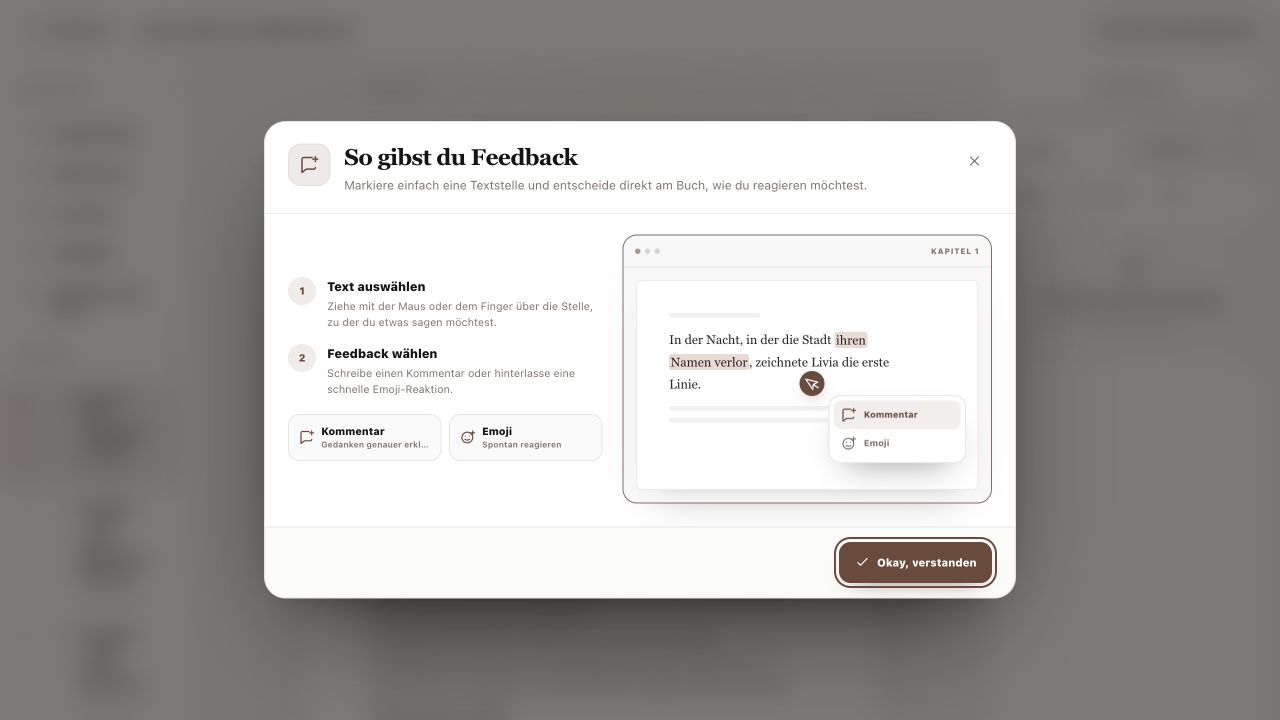
The first time you open a shared book, “How to Give Feedback” explains two steps: select text, then choose a comment or emoji. Select “Got It” to close the introduction; it will not appear again for that book.
- The introduction is stored separately for every shared book.
- Use Dashboard at the top left to return to invitations and books.
You can move through the manuscript confidently and understand the limits of protected reading mode.