If you do not yet have a ManuBook account, the personal link in the invitation email opens registration. The beta-reader account is free and focused on reading and feedback.
1. Open the personal invitation link
Open the beta-reading email and follow its invitation link. The link belongs to that specific book permission. If ManuBook reports that the invitation is invalid or has been withdrawn, ask the author for a new invitation.
2. Create the free account
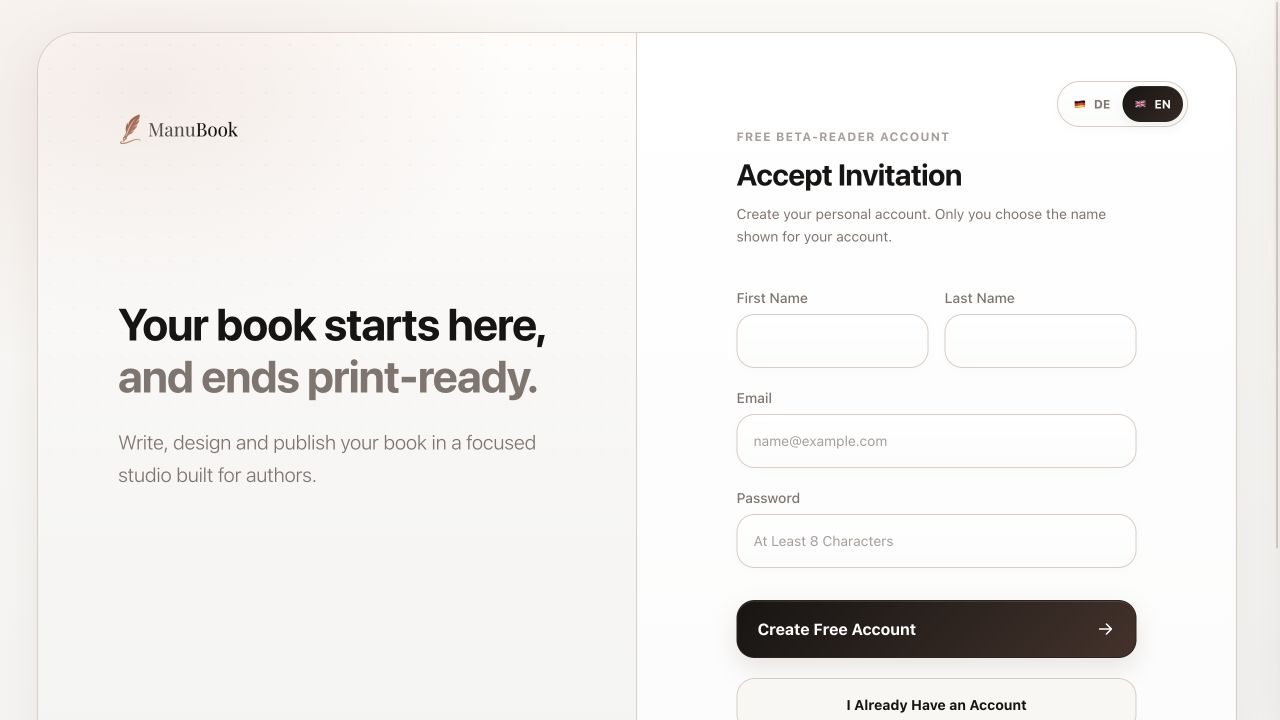
Enter your first and last name. Under Email, use exactly the address that received the invitation, then choose a password with at least eight characters. Select “Create Free Account”.
- Enter your first and last name.
- Use the email address from the invitation.
- Choose a password with at least eight characters.
- Select “Create Free Account”.
3. If you already have an account
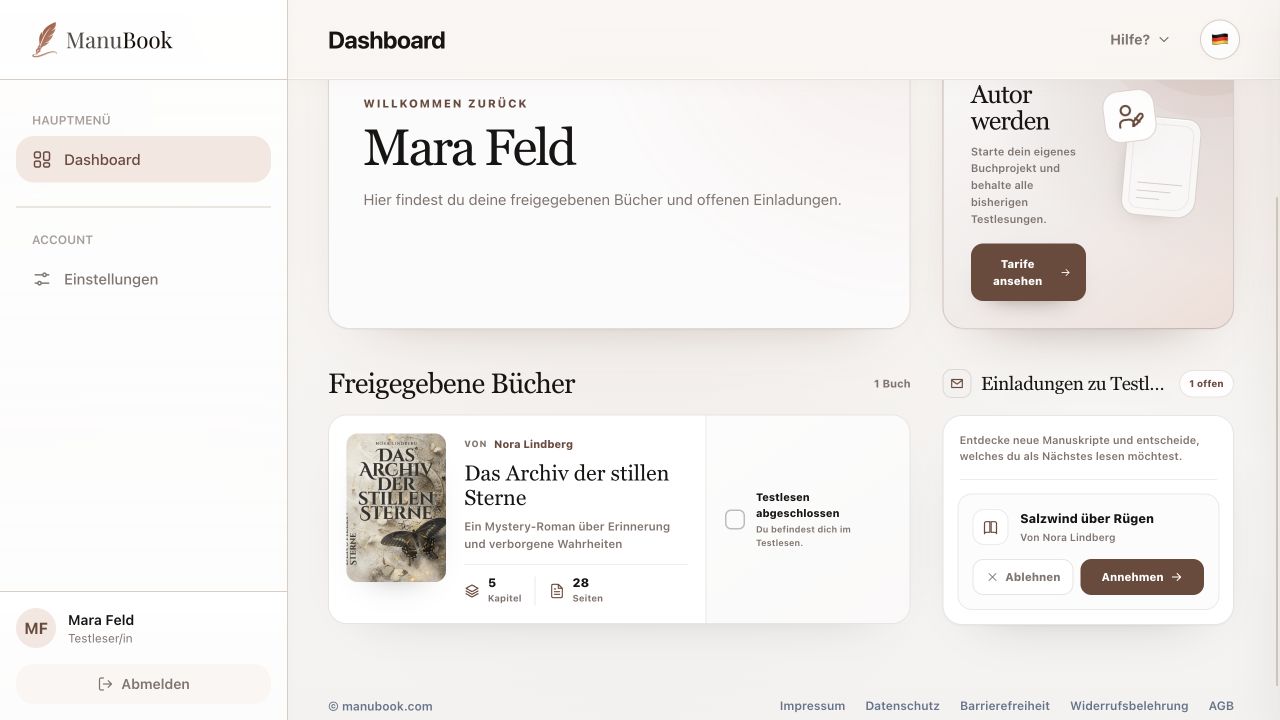
Select “I Already Have an Account” and sign in with your existing email address. You do not need a second account. The open invitation then appears on your Dashboard, where you confirm it with “Accept”.
- The existing account's email address must match the invited address.
- After registration or sign-in, the invitation remains open until you deliberately accept it.
Your beta-reader account is ready and you can accept the book permission from the Dashboard.