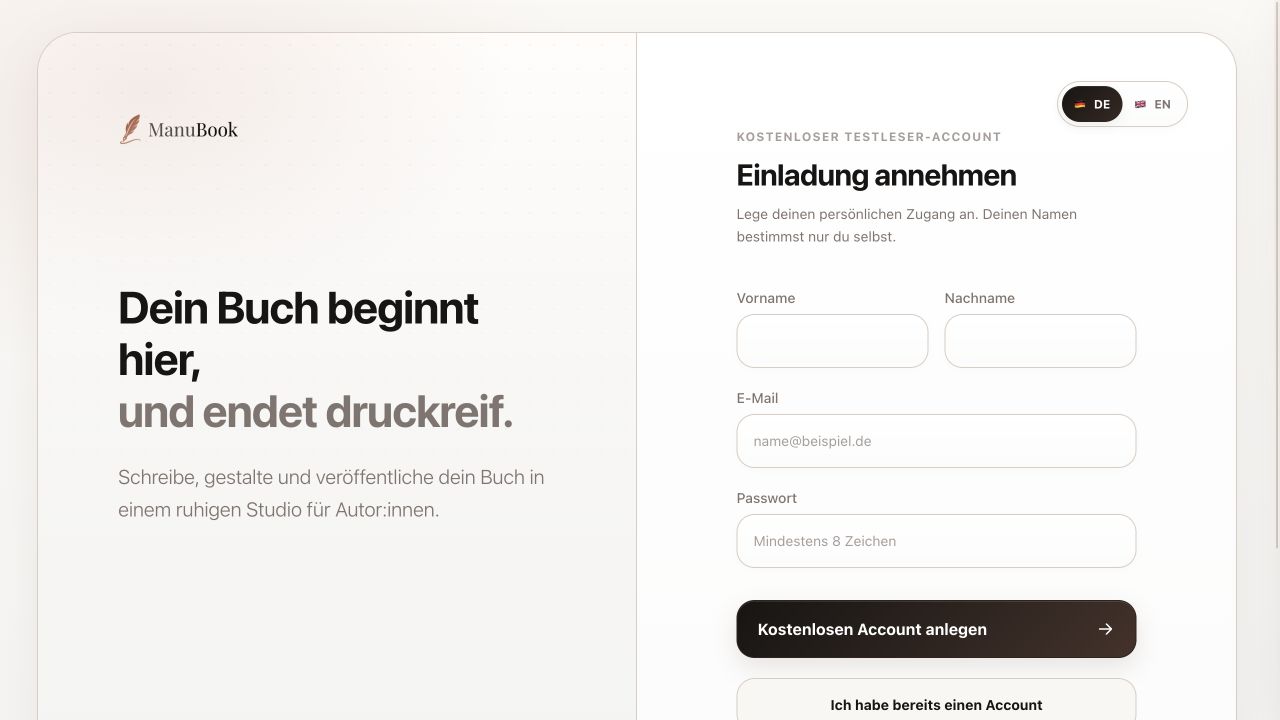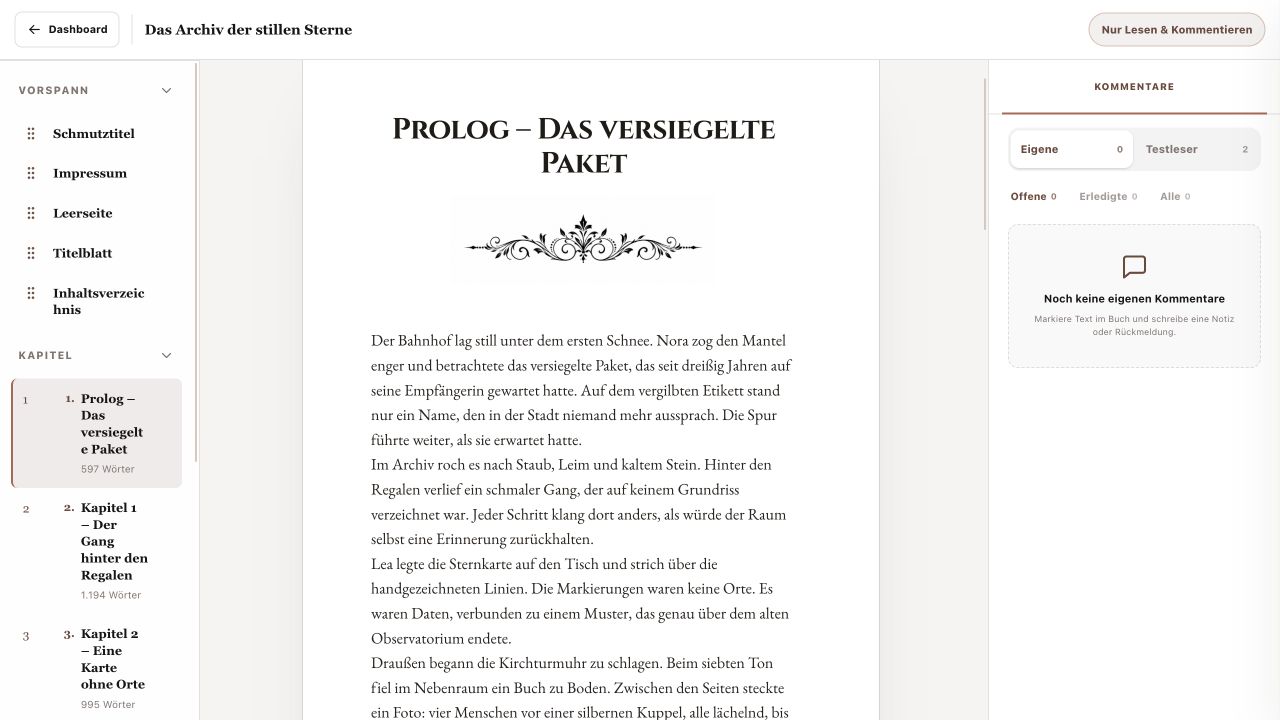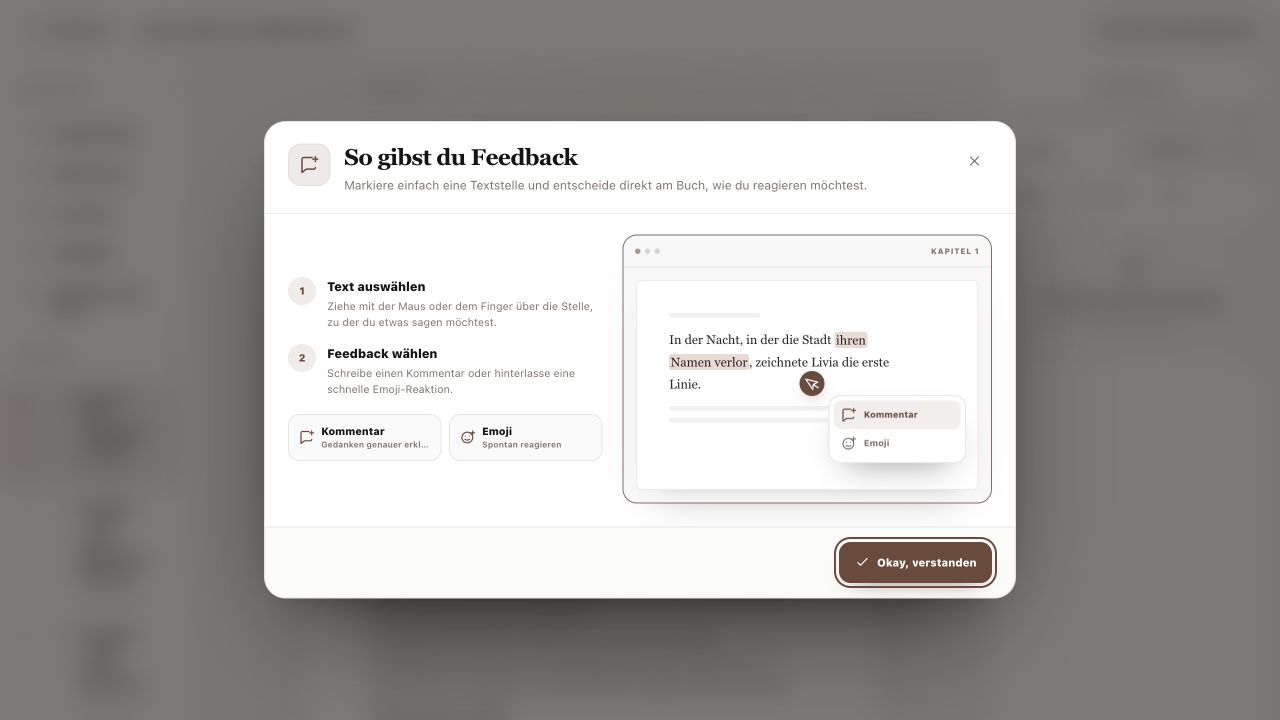
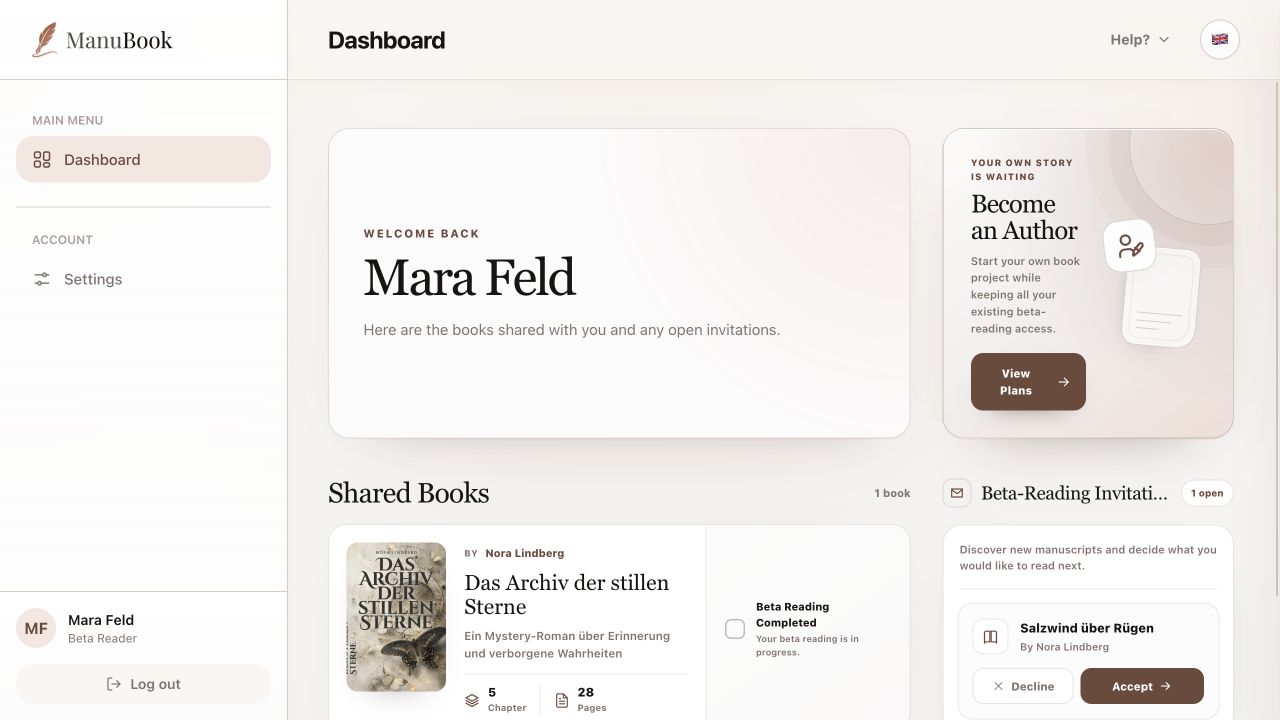
The beta-reader Dashboard contains only your open invitations and books already shared with you. Writing, design and reader-invitation tools are not part of this free account.
1. Review an invitation
Beta-Reading Invitations shows the book title and author. Check both before deciding. The number beside the section is the current count of open invitations.
2. Accept or decline
“Accept” adds the manuscript to Shared Books. “Decline” removes the invitation without granting access. If you change your mind later, the author must send a new invitation.
- Check the book title and author.
- Select “Accept” when you want to beta read it.
- Open the book from Shared Books.
3. Understand shared books
Each book card shows the author, title, subtitle, chapter count and page count. Selecting the card opens reading mode. “Beta Reading Completed” is your personal completion marker and is not required to open the book.
You deliberately accepted the invitation and can return to the manuscript from Shared Books at any time.