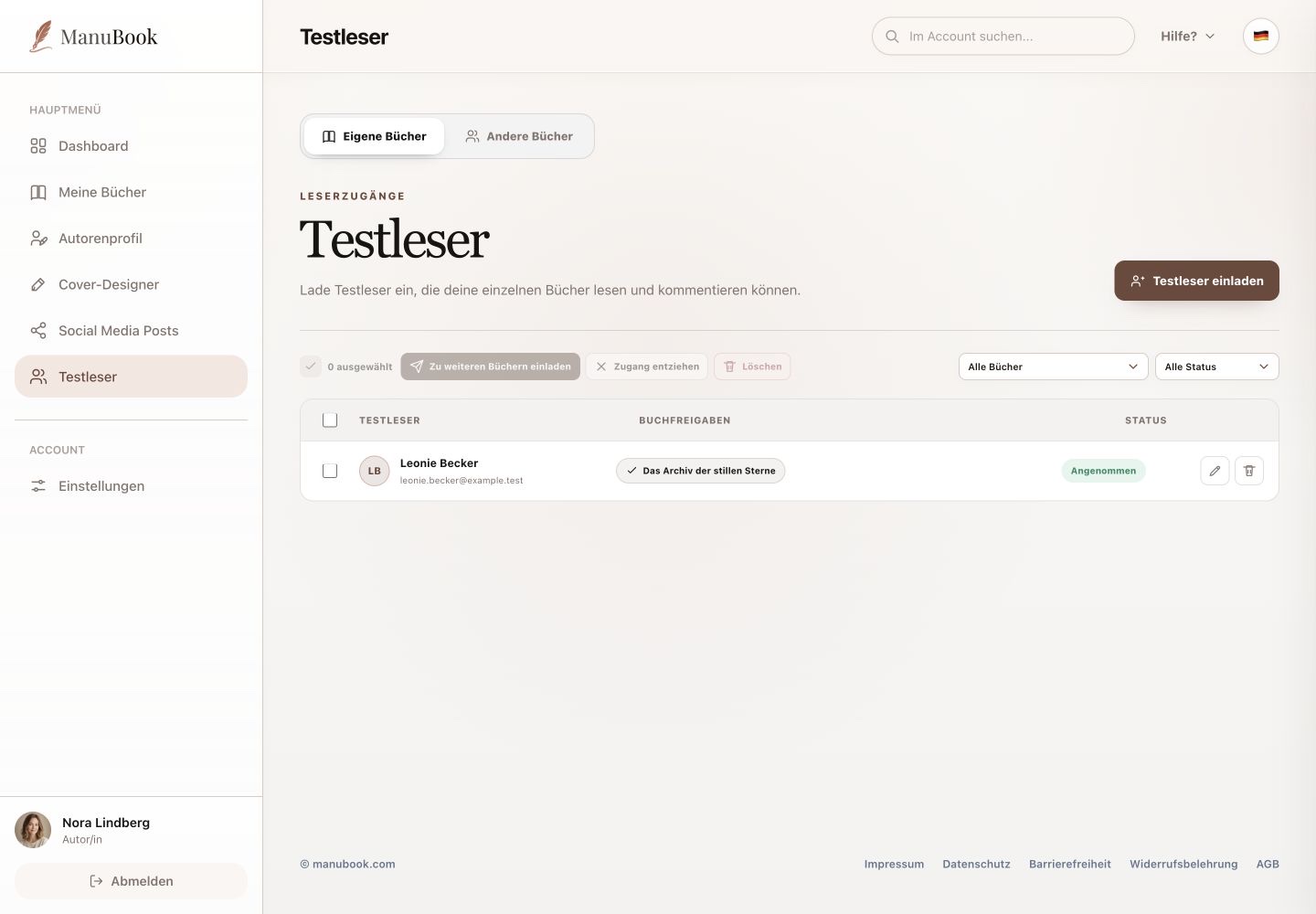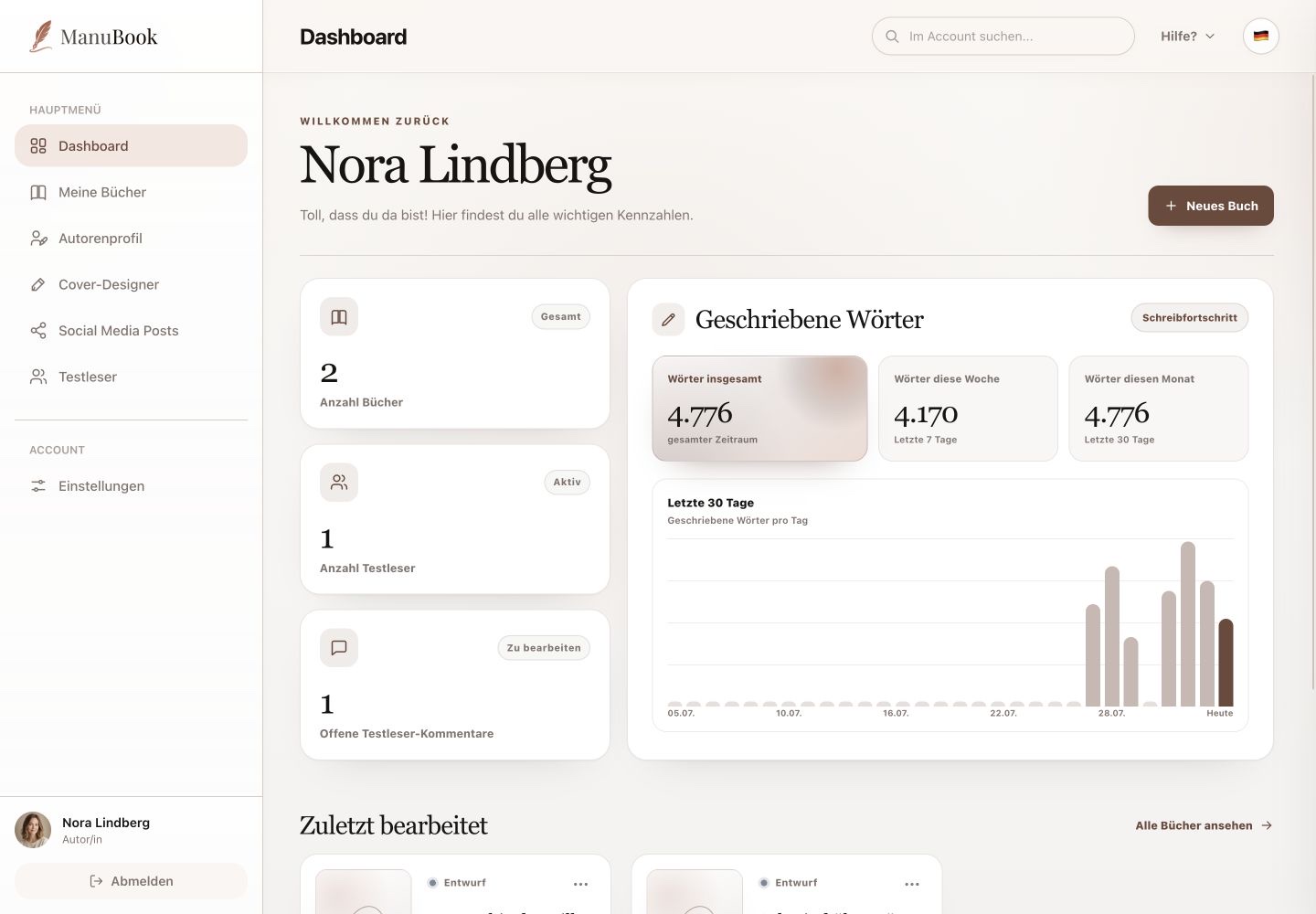
Individual comments do not appear on the Dashboard or in the Beta Readers table. Read and process them in the open book's “Comments” tab on the right.
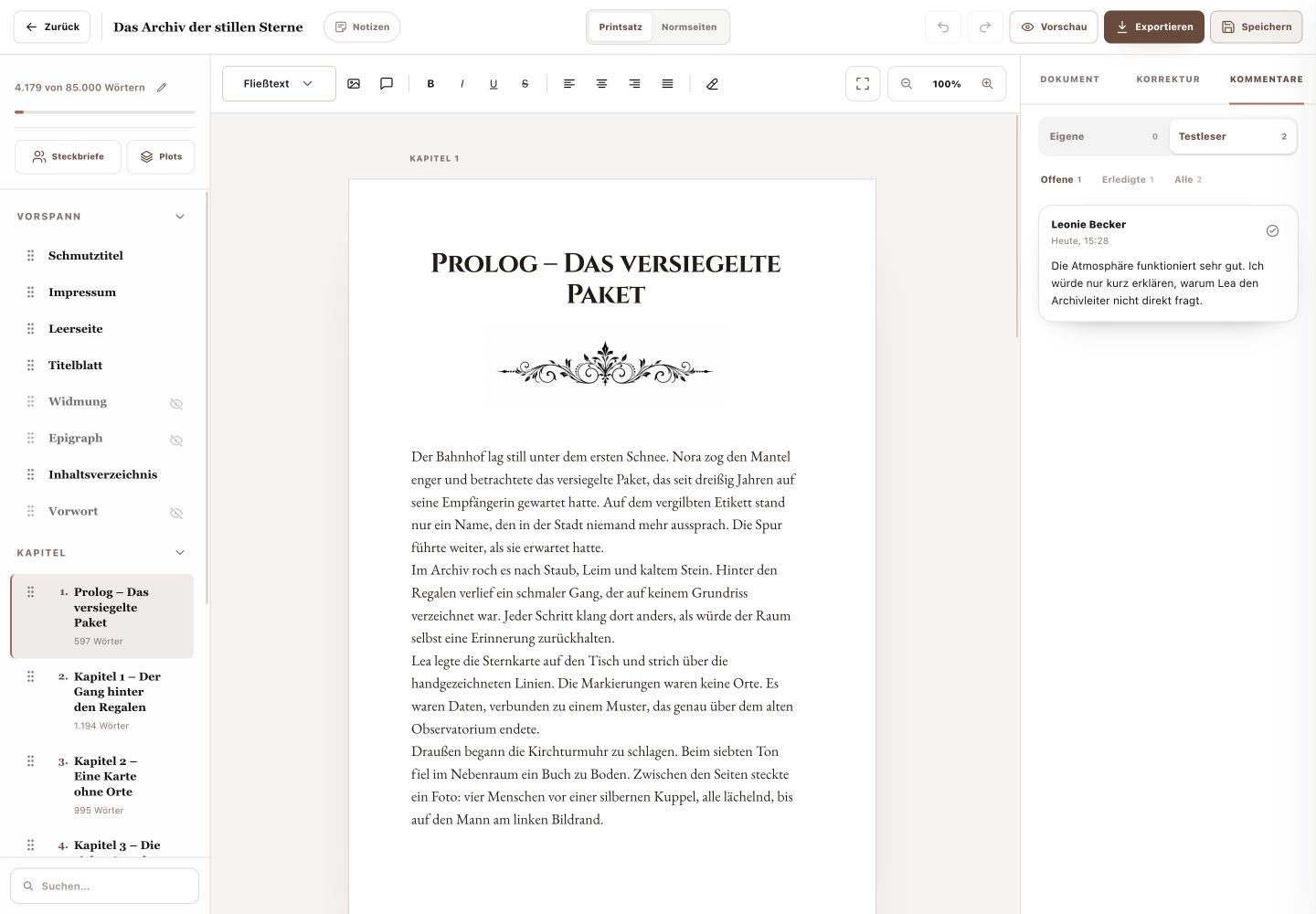
1. Open the right comment group
“My Comments” contains your own notes on the text. “Beta-reader Comments” shows feedback from invited readers. The number on each tab is the total for that group.
2. Filter by status
Use “Open”, “Completed” or “All”. Numbers on the filters show current totals. Because you are already inside one specific book, there is no additional book filter here.
3. Process feedback
An open comment card shows the reader, time and message. Review the relevant manuscript passage and edit it when appropriate. Then use the status action to mark the comment completed; completed feedback remains available through its filter.
- The Dashboard shows only the account-wide number of open beta-reader comments.
- Create your own comments by selecting text in the book and writing a note or response.
You reviewed feedback in the correct book and maintained a clear processing status.