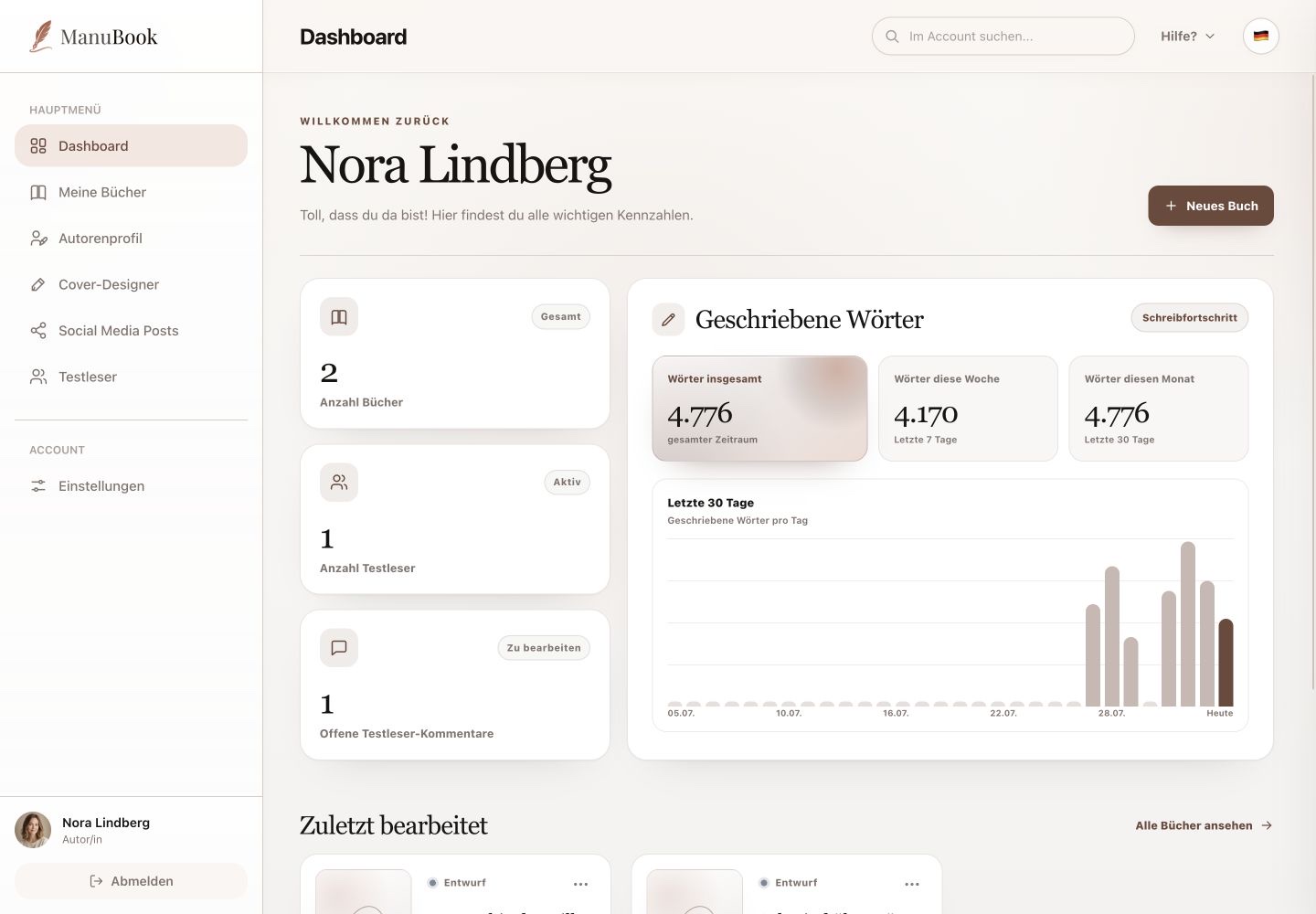
Beta readers are invited from their own main section, not from the Dashboard. Each invitation links an email address to a selected book.
1. Send an invitation
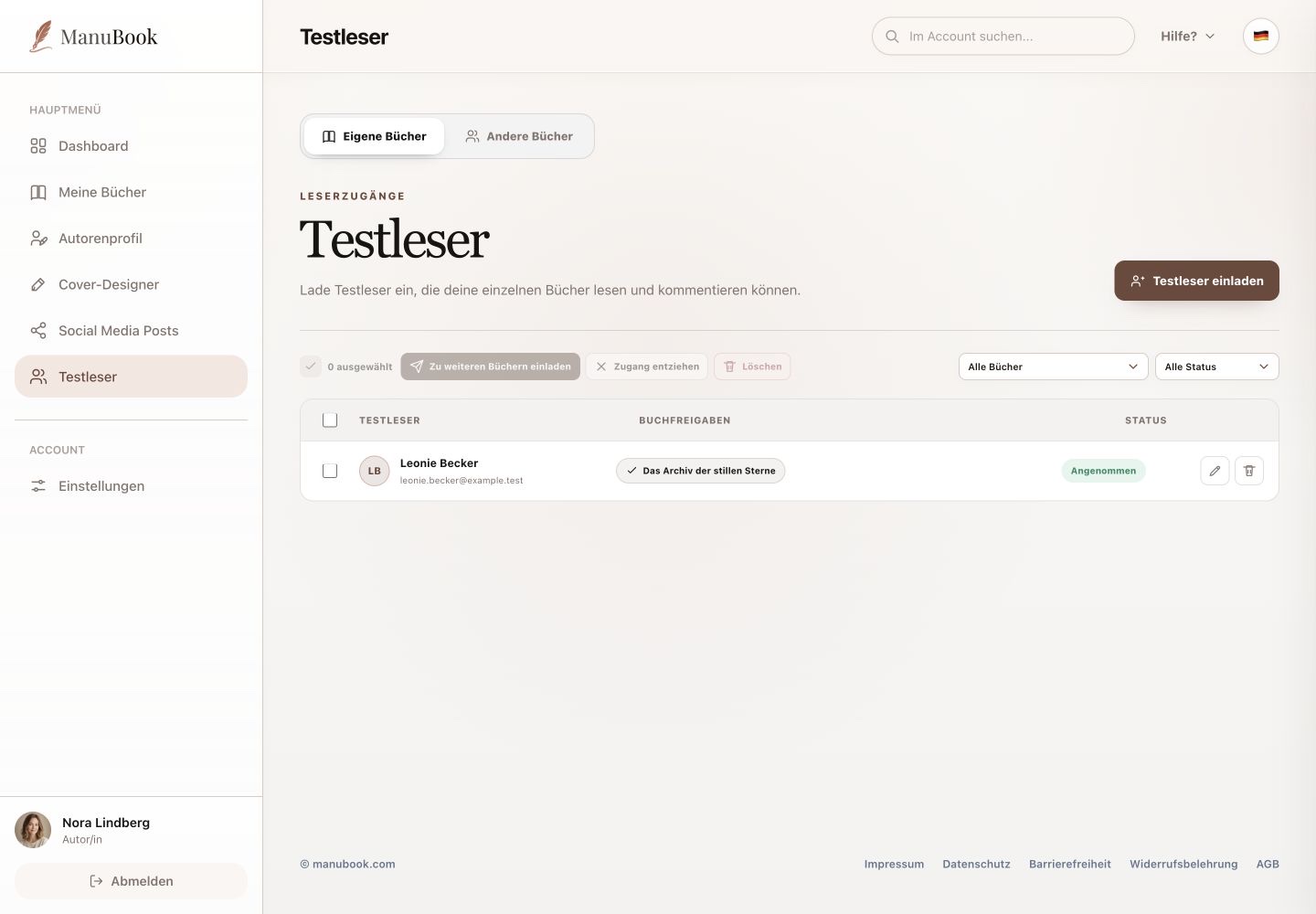
Select “Invite beta reader”. Only the email address is required in the dialog, and you also choose the book. The invited person manages their name and profile later in their own ManuBook account.
- Open “Invite beta reader”.
- Enter the email address.
- Choose a book.
- Select “Send invitation”.
2. Review status and access
The table shows book permissions and invitation status, such as Accepted. Filters above the table narrow by book and status. A row action edits book access; another removes the person.
3. Manage several readers
Select one or more people to use “Invite to more books”, “Revoke access” or “Delete”. The “Other Books” tab contains books to which you have received beta-reader access yourself.
The invitation is linked to the correct book and you can manage later access.