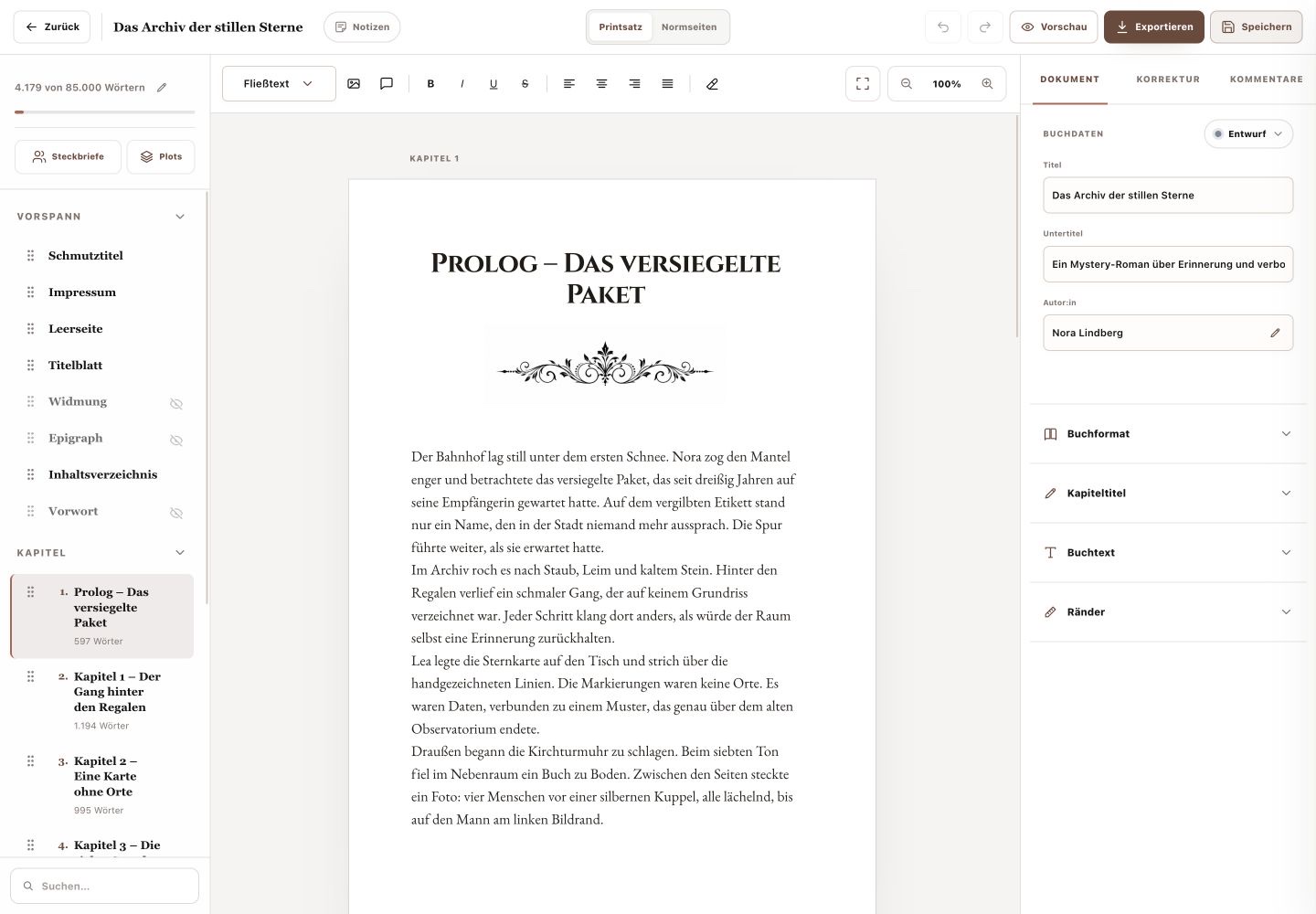
The Plot Board structures the current book into acts and plot points. It does not provide separate main-story and subplot lines.
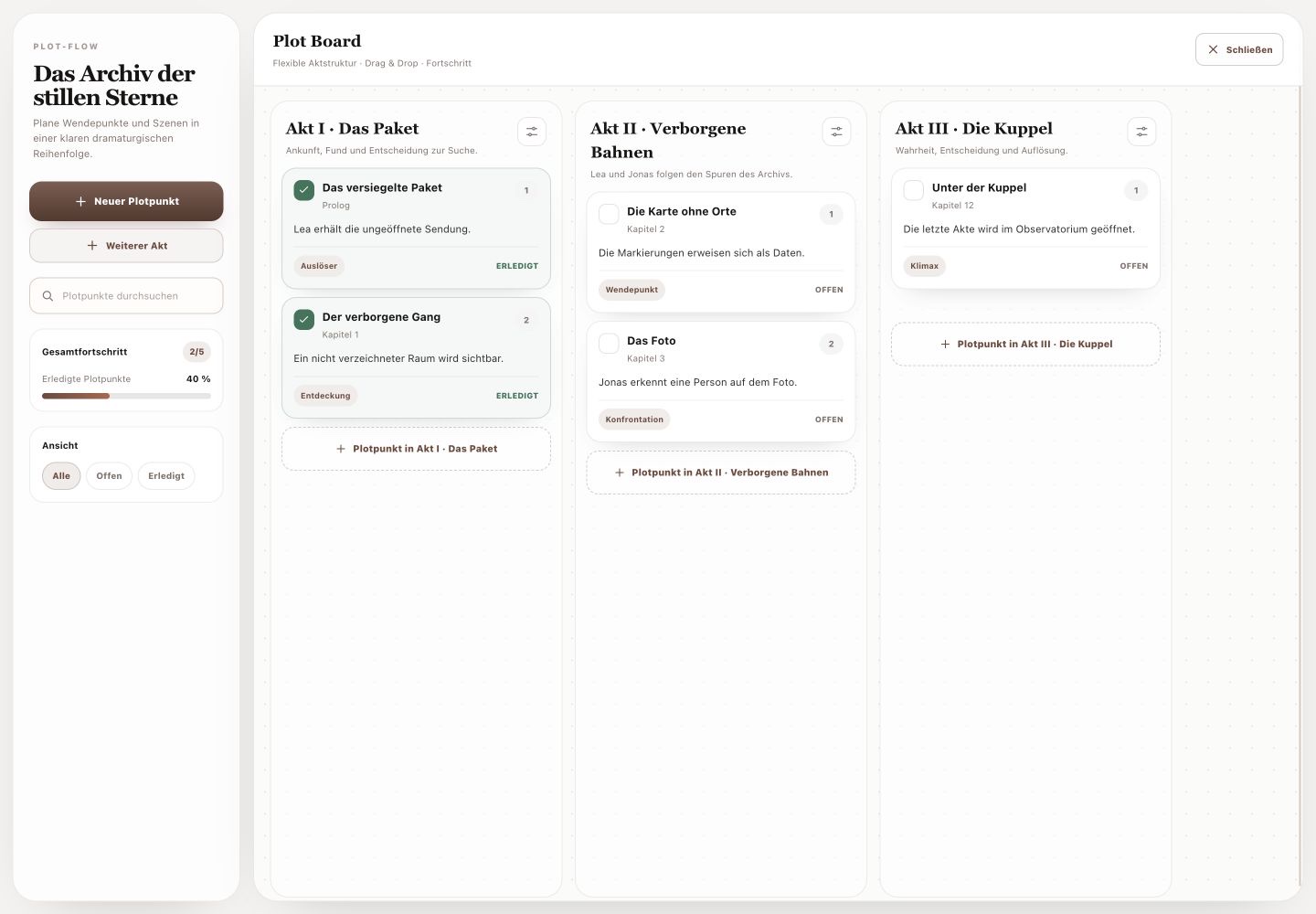
1. Create and edit acts
Use “Add Act” to create another story phase. Existing acts have an edit action for title and description. Describe clearly which part of the story each act represents.
2. Record plot points
“New Plot Point” creates an event. Open its card to edit title, act, chapter, plot type, summary, goal, conflict, consequence and notes; these changes are saved automatically. Drag and drop reorders points or moves them into another act. The action at the end of an act adds a point directly there.
3. Use progress and views
Mark open plot points as complete and reopen completed points when necessary. The overall count and percentage show completed progress. “All”, “Open” and “Completed” filter by status, while search filters by content.
You can see dramatic order and plot-point status at a glance.