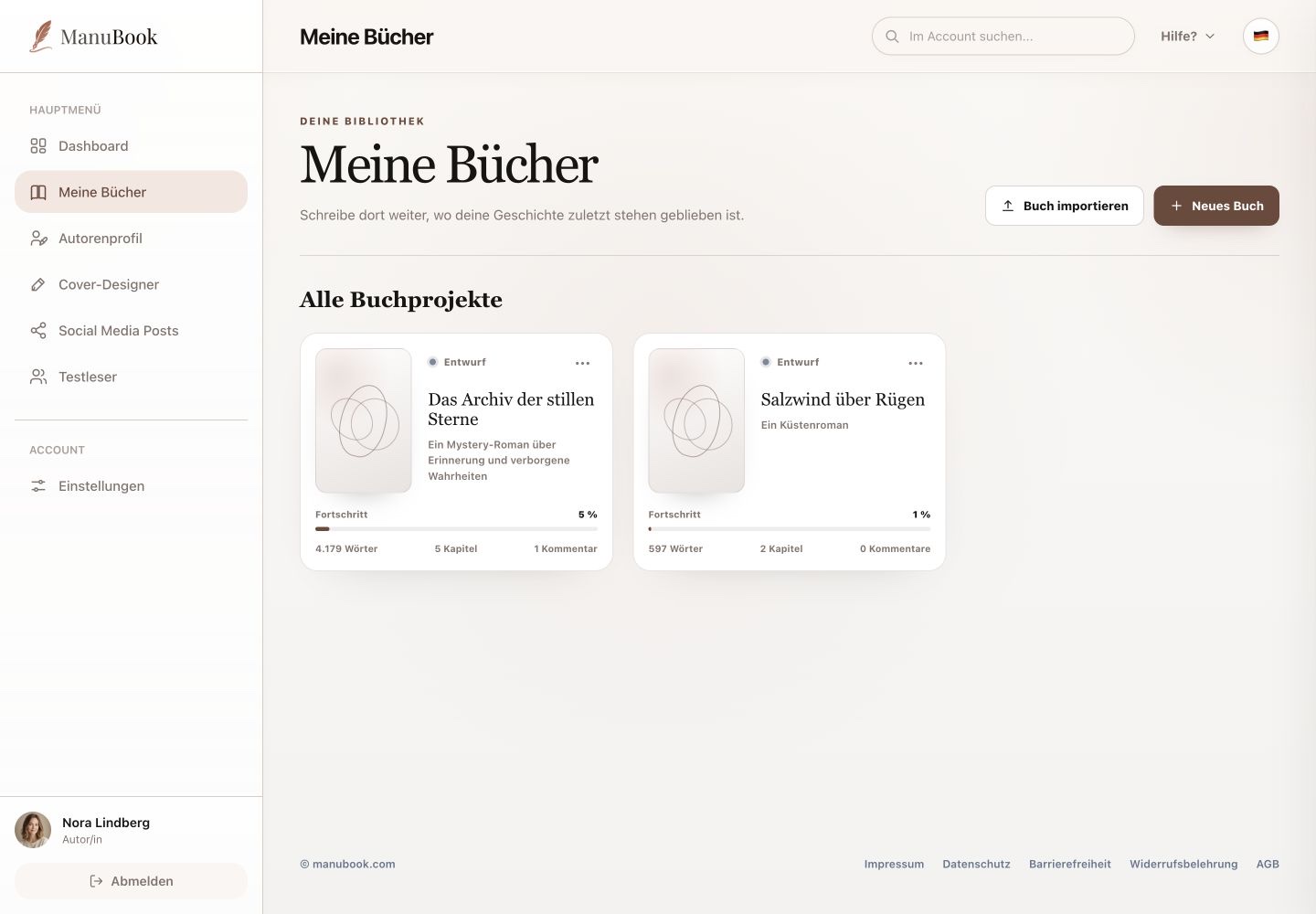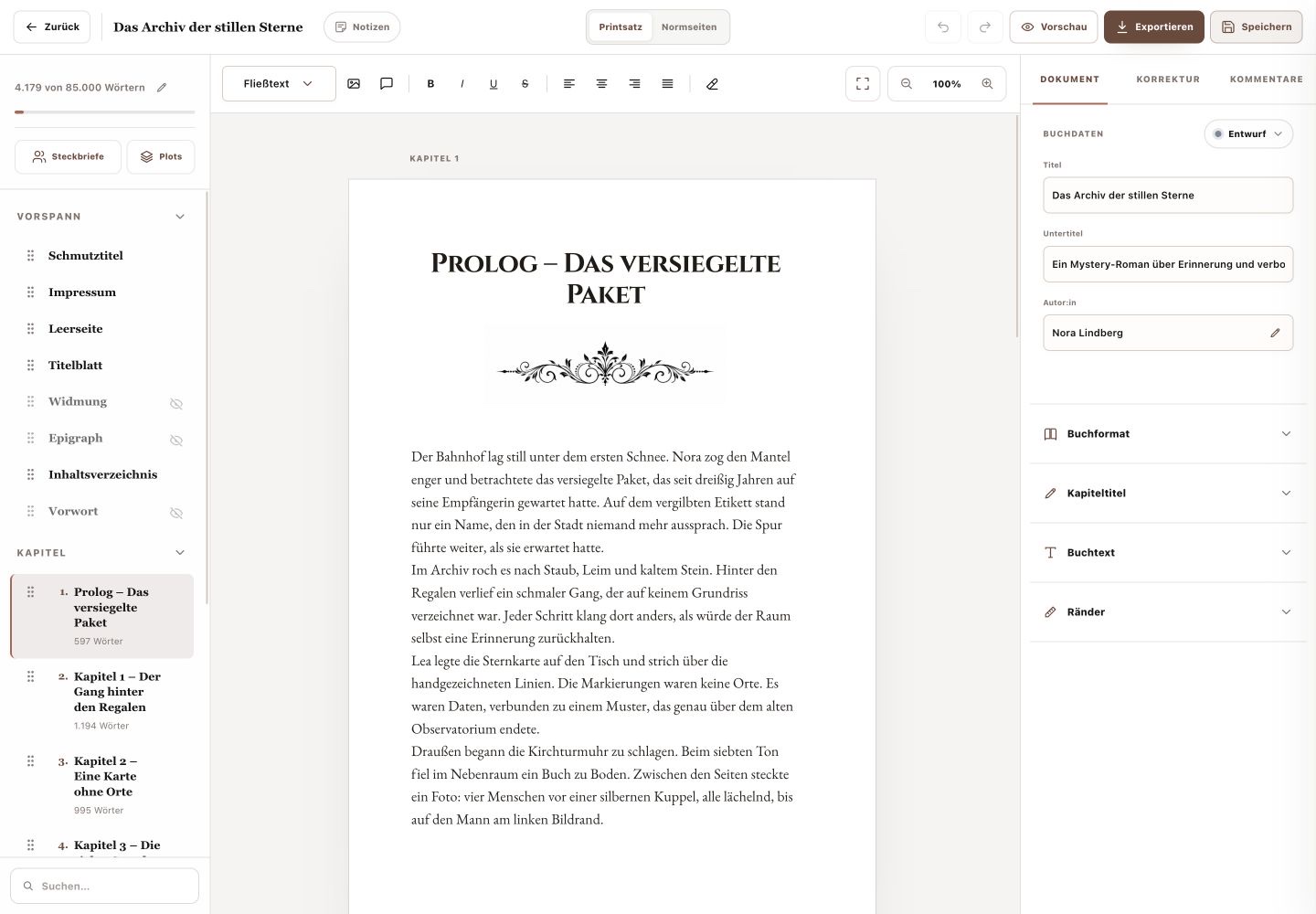
“Profiles” opens the character world for the current book. This section is for characters and their relationships, not locations or freely selectable profile types.
1. Create or import a character
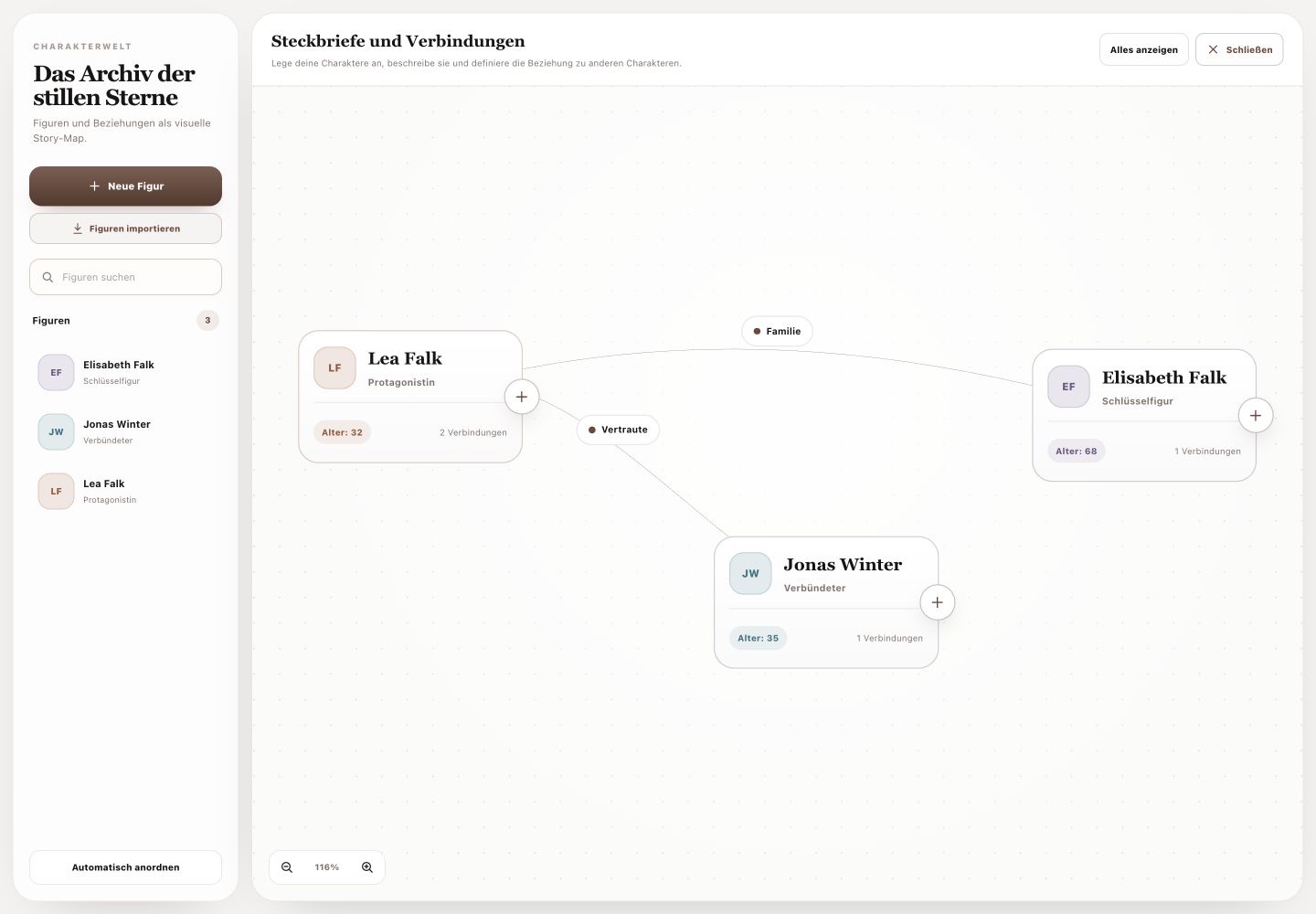
“New Character” opens a profile with portrait, name, role, age, motivation, personality, appearance, backstory, additional notes and colour. “Import Characters” copies characters and relationships from one of your other books; characters with the same name are not duplicated.
- Select “New Character”.
- Enter at least the name and story-relevant details.
- Save the profile.
2. Find and arrange characters
Search filters the existing characters. On the story map you can position cards freely, zoom and use “Show all” to bring everything back into view. “Auto arrange” creates a clear starting layout.
3. Make relationships visible
Use a character card's connect action and drag it onto another character. Existing relationships appear as labelled lines. Open the profiles involved when you need the motivation or background behind a connection.
Your characters and their connections are documented centrally for the current book.