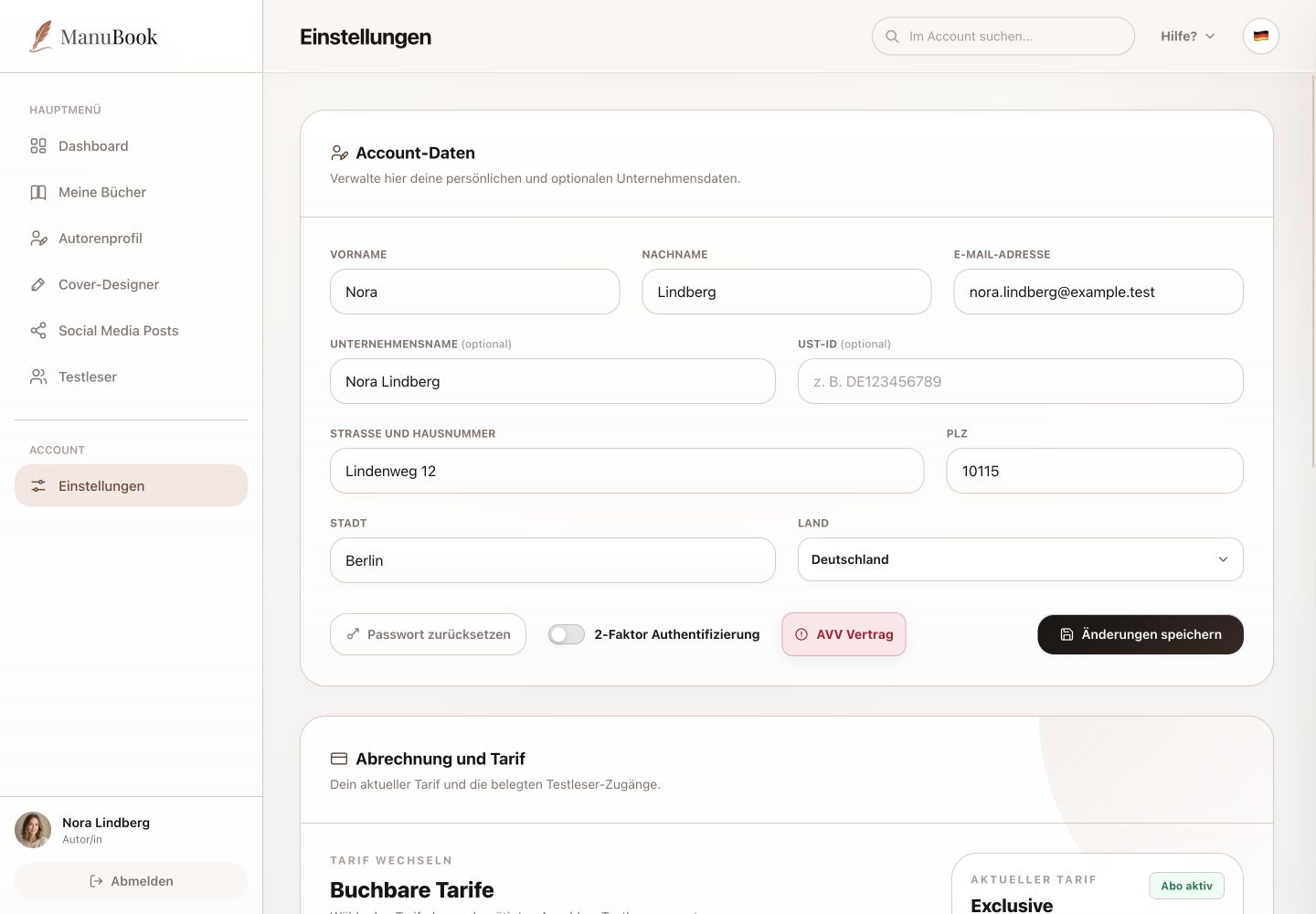
The lower part of Settings shows available plans, your current plan and beta-reader seat usage. There is no Support section here.
1. Compare plans
Starter, Premium and Exclusive cards list price, book limit and active beta-reader capacity. The current plan is marked; other cards provide “Change plan”. Affilicon applies a change at the next billing date.
2. Review current usage
The current plan summary shows subscription status, occupied beta-reader seats, price and, where available, term. These values help you decide whether the plan still fits your projects.
3. Cancellation, data and invoices
“Cancel at end of term” ends the subscription on the intended date. “Delete account & data” is a separate far-reaching action and should be used only when the whole account must be removed. Affilicon provides order confirmation and invoices by email.
- Read confirmation dialogs fully before cancelling or deleting.
- Store required invoice documents outside the account.
You understand plan status, usage and the actual billing and account actions.