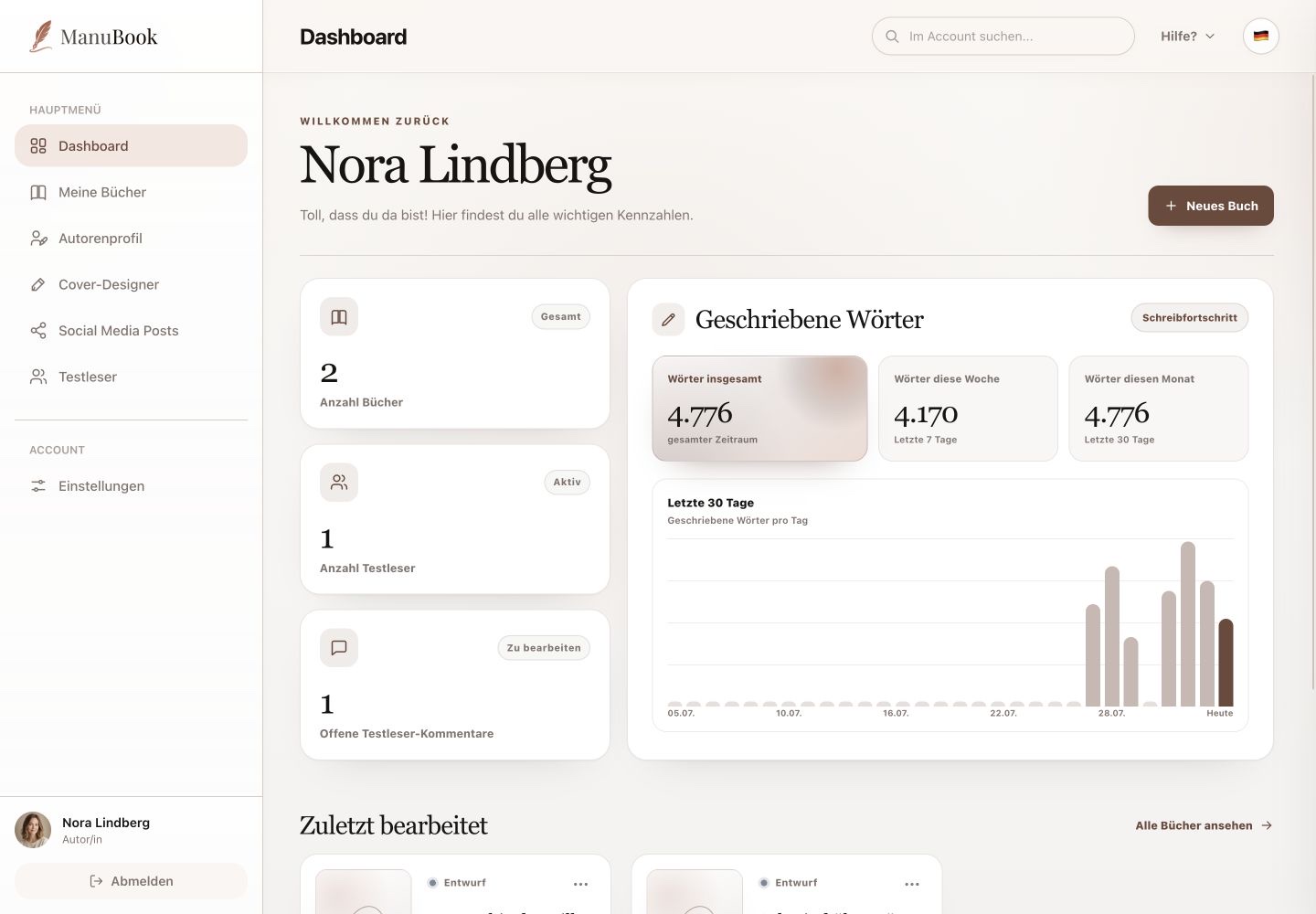
The upper part of Settings contains your contact details, optional business information and important security actions.
Menu pathSettings → Account Data
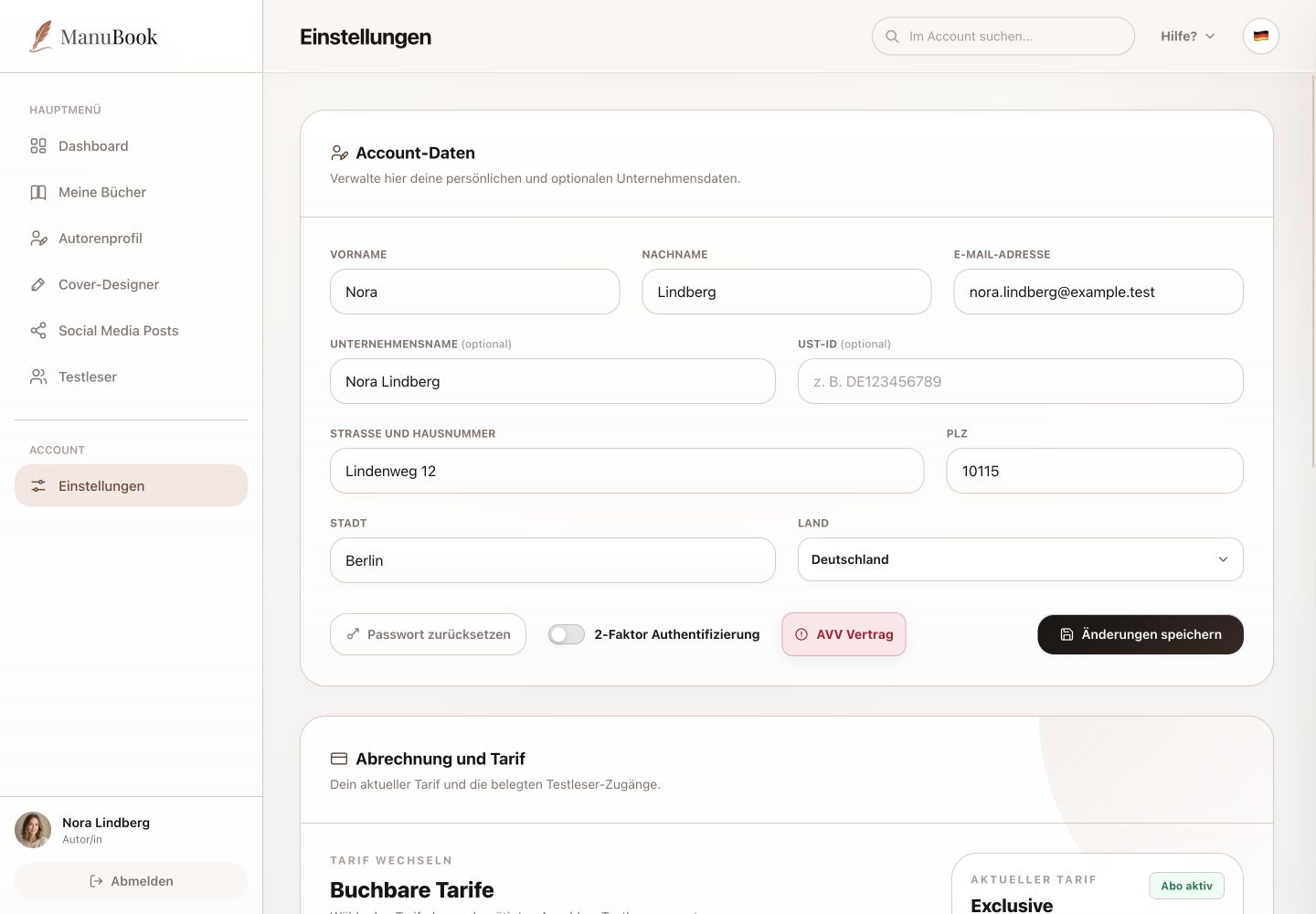
1. Update account data
Edit first name, last name and email address. You can optionally add company name, VAT ID, street, postcode, city and country. Select “Save changes” after editing.
2. Reset the password
“Reset password” starts the supported flow for replacing your password. Use it even while signed in when you want a different password in future.
3. Two-factor protection and DPA
“Two-factor authentication” controls additional sign-in protection. “Data Processing Agreement” opens the relevant agreement. Interface language is not part of this form; use the language icon in the header instead.
- Check the email address particularly carefully.
- Enable 2FA for stronger account protection.
Done
Your account data and security settings are current and intentional.