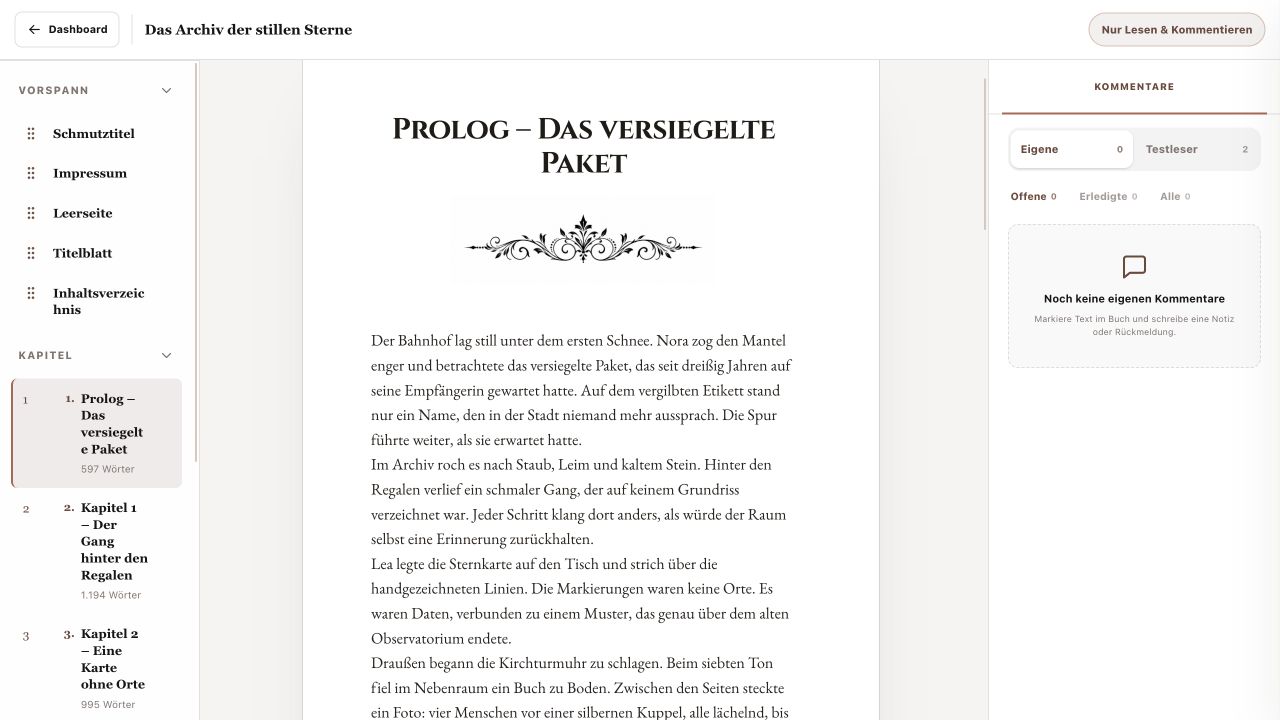
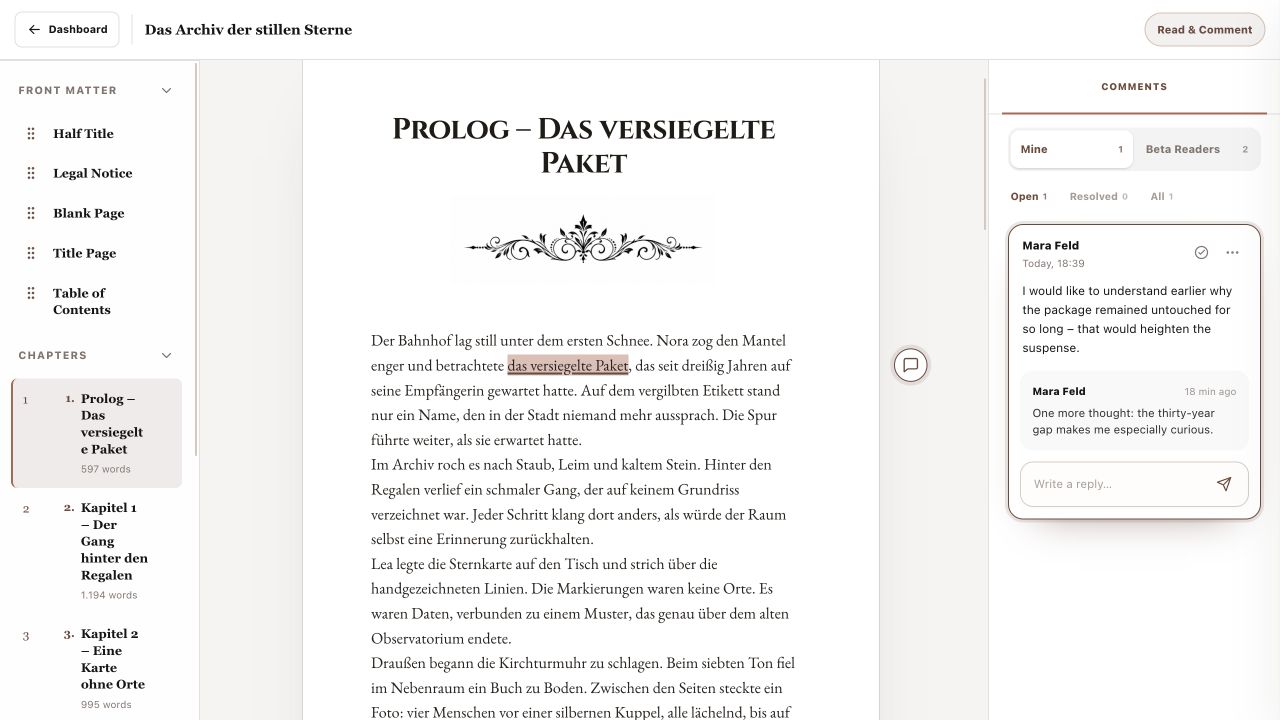
The comments panel on the right collects written feedback for the open book. Emoji reactions remain as markers on the text and do not become comment cards in this list.
1. Use comment groups and filters
My Comments contains your written feedback. Beta-Reader Comments can show feedback shared by other readers; their last names are shortened. Within either group, switch between Open, Resolved and All.
2. Return to the passage
Select a comment card or the small marker on the text. ManuBook highlights the associated passage. Selecting one of your own comments also reveals “Write a reply…”, where you can add a clarification or response to the same thread.
3. Maintain your own feedback
Comment Actions lets you edit your own text or delete the whole comment and its replies. Use the check action to resolve it; the Resolved filter lets you reopen it later. You can read other beta readers' comments but cannot edit or delete them.
- Select the comment.
- Reply or correct it with Edit when necessary.
- Mark it resolved when finished.
- Reopen it later from Resolved if needed.
You can find your feedback again and maintain clear comment, reply and status history.