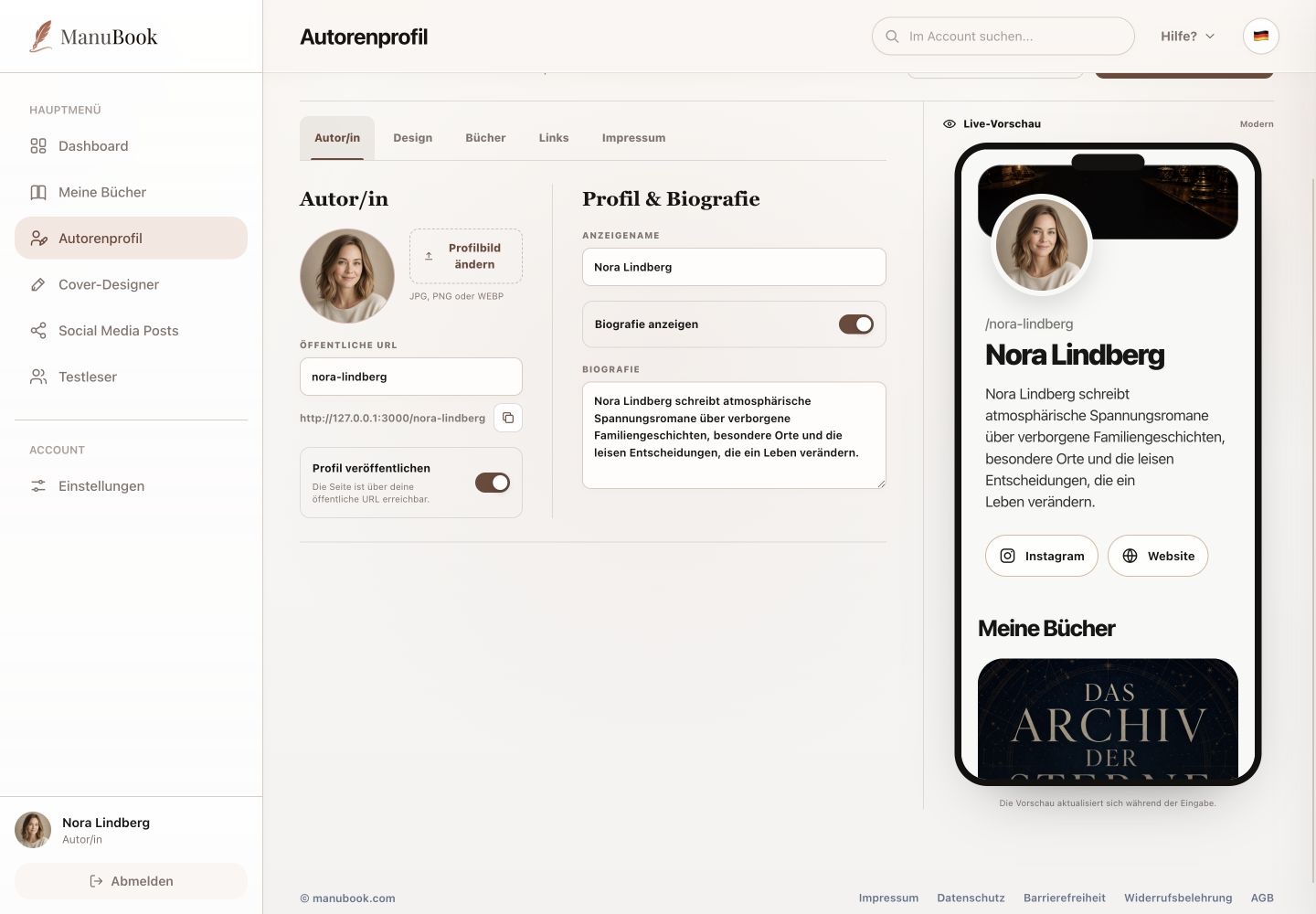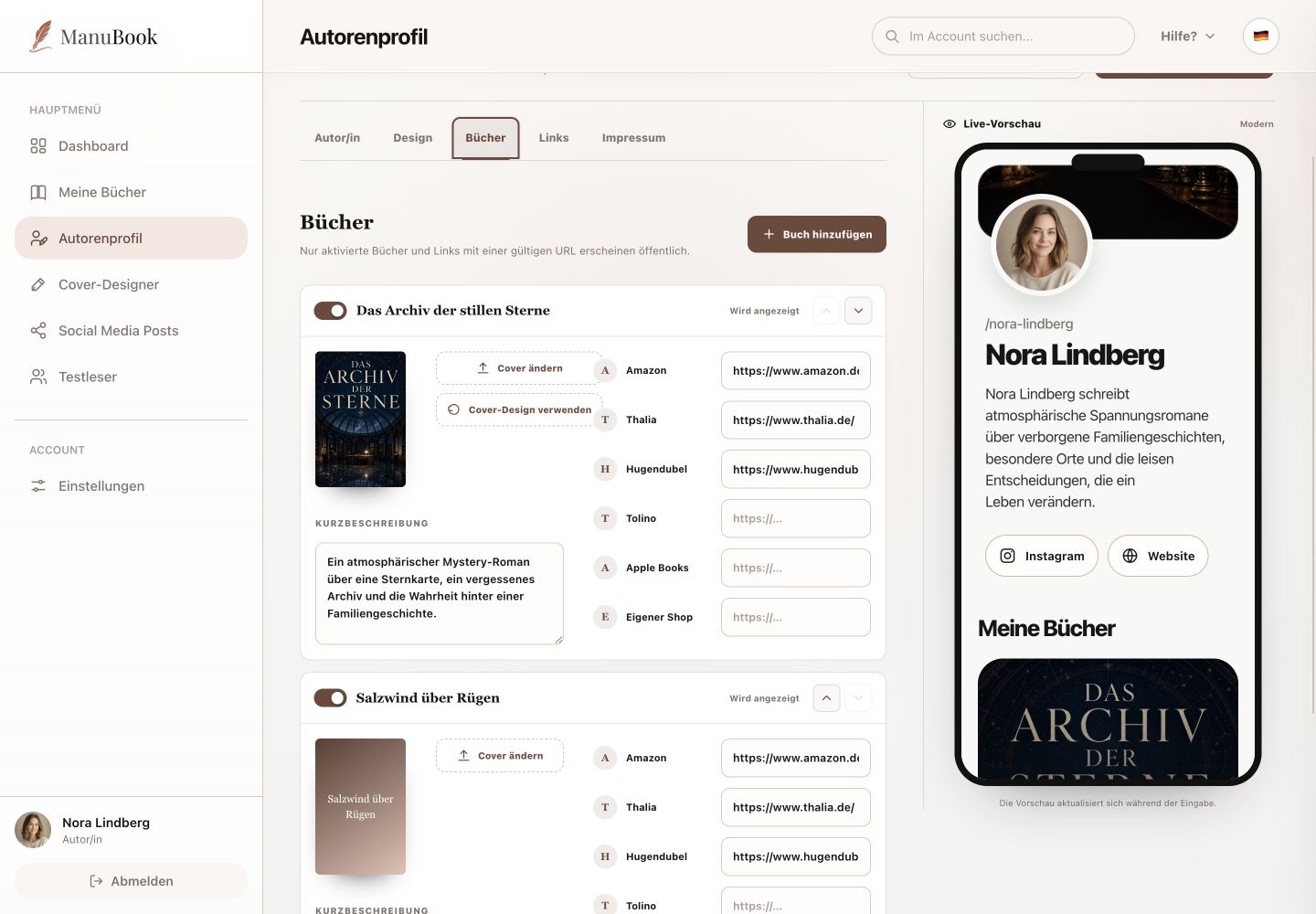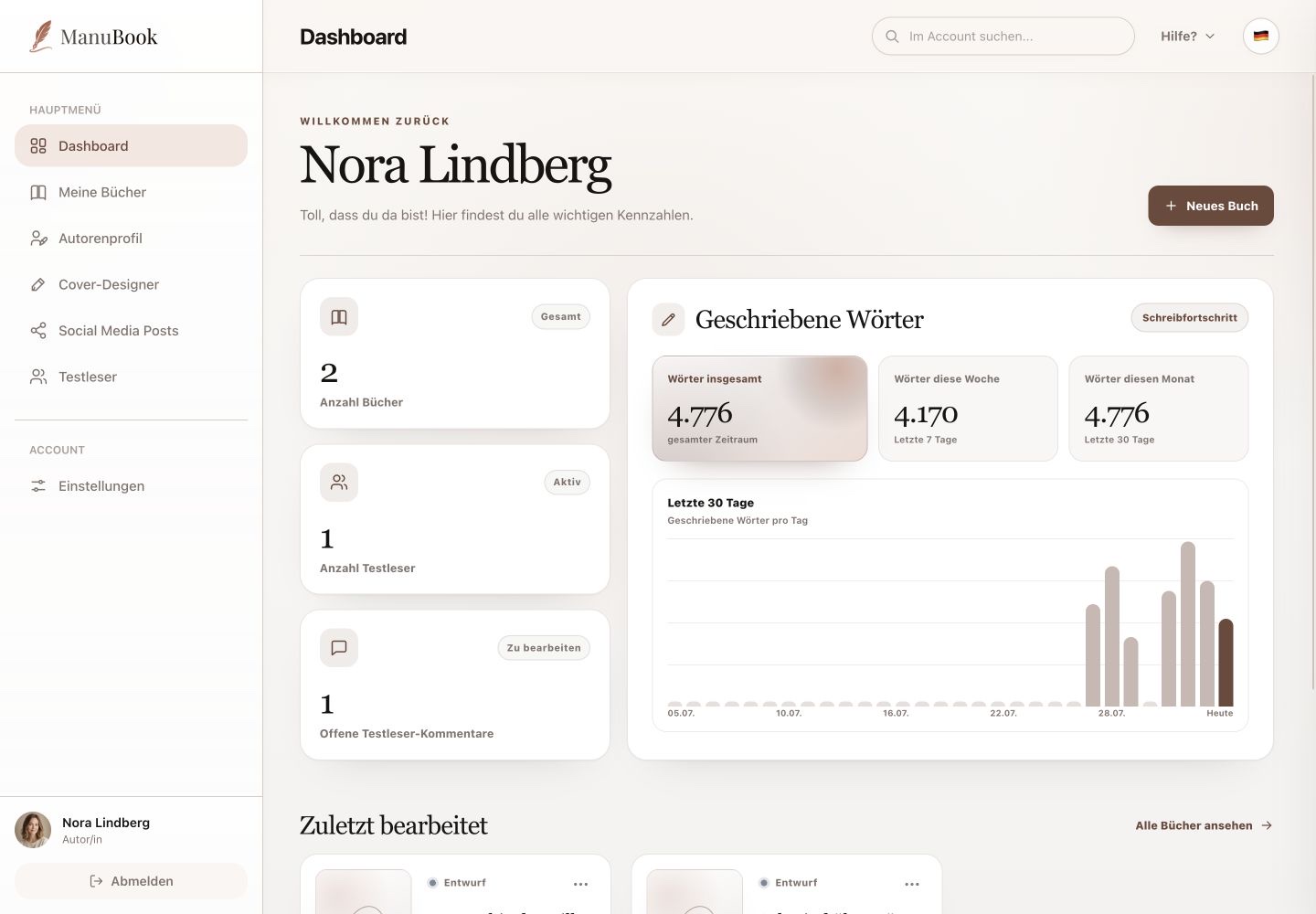
The Design tab controls the appearance and language of your public author page. The live preview remains visible on the right.
Menu pathAuthor Profile → Design
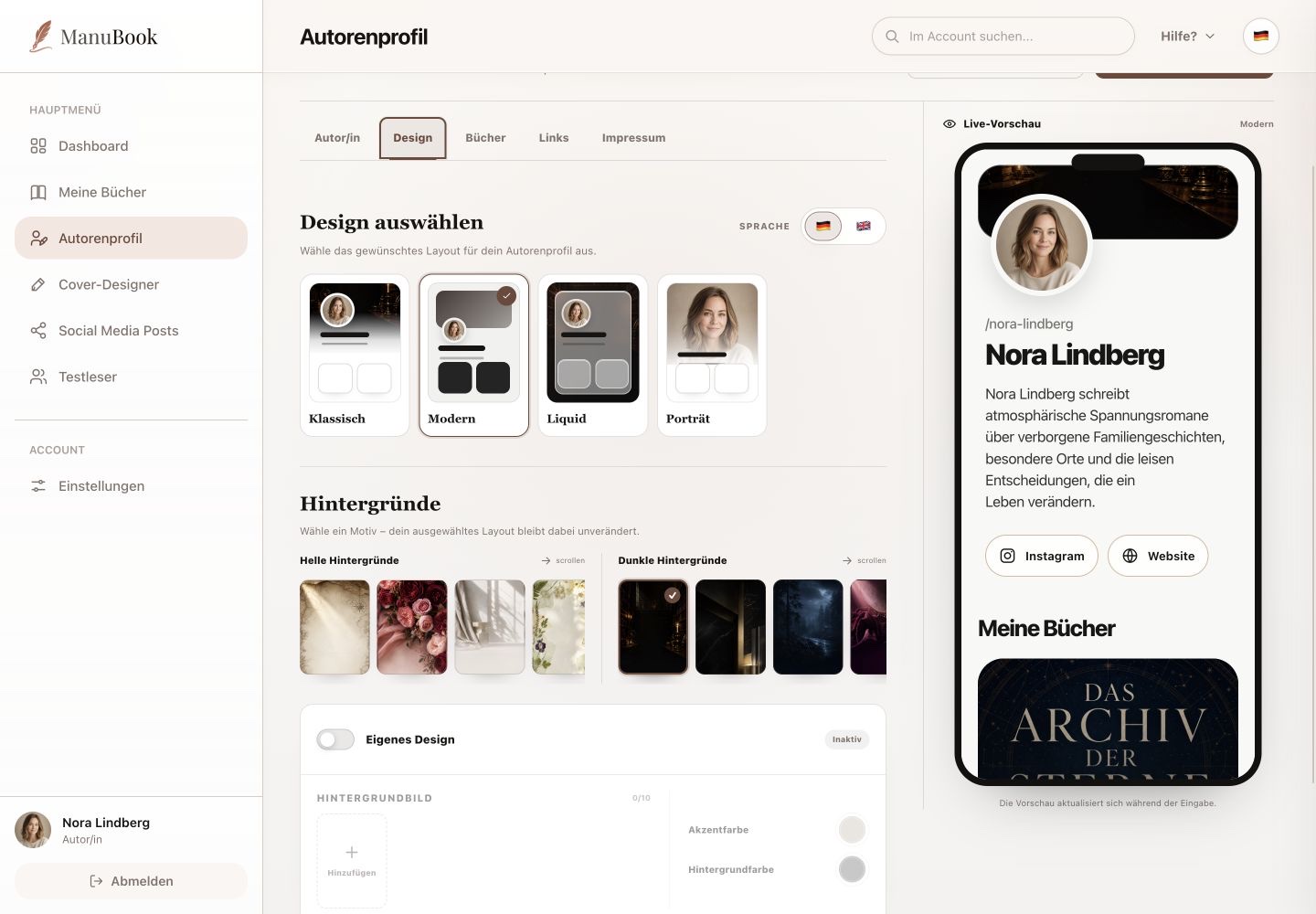
1. Choose page language
Under “Language”, choose German or English for the public author page. This applies to the page itself; use the language icon at the top to change the ManuBook interface.
2. Combine layout and background
Choose “Classic”, “Modern”, “Liquid” or “Portrait”. Then select a light or dark background independently. The preview updates immediately.
- Choose the page language.
- Select a layout.
- Test a suitable background.
3. Enable a custom design
“Custom design” enables custom background images plus accent and background colours. While it is off, those fields remain disabled. The preview has no separate desktop/mobile switch. Save the final choice with “Save changes”.
Done
The language, layout and background of your public page work together and are saved.