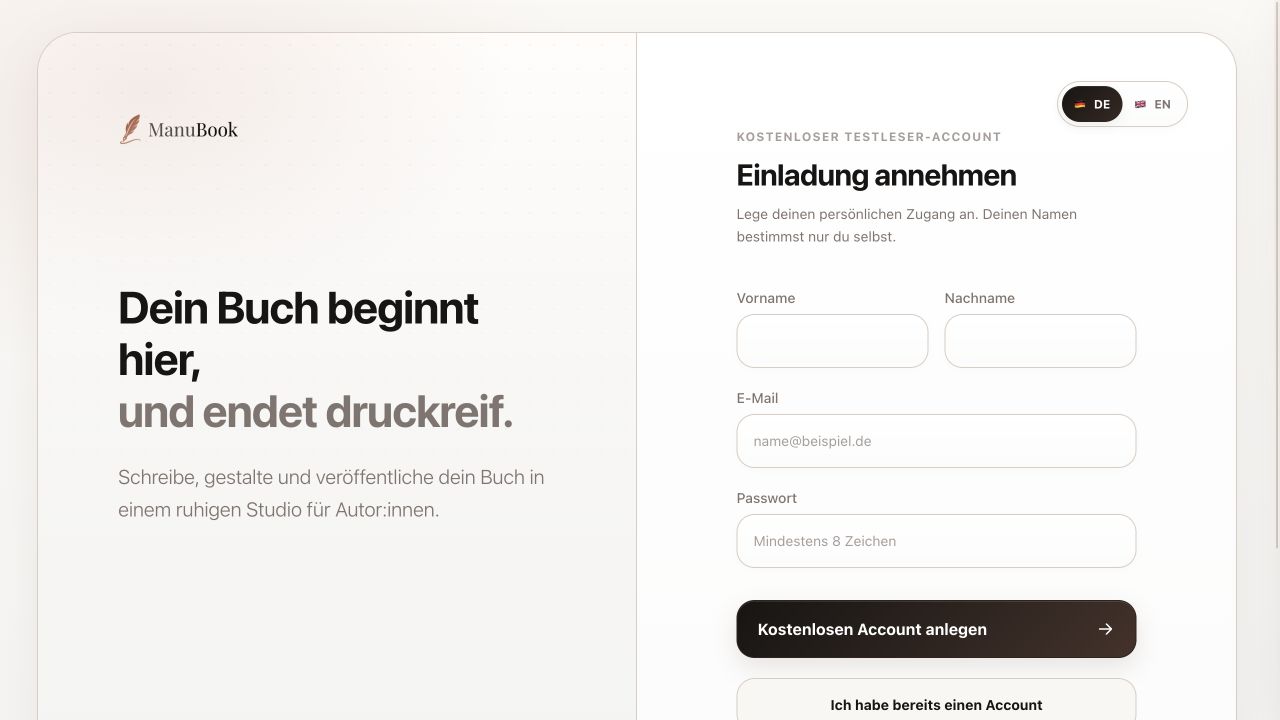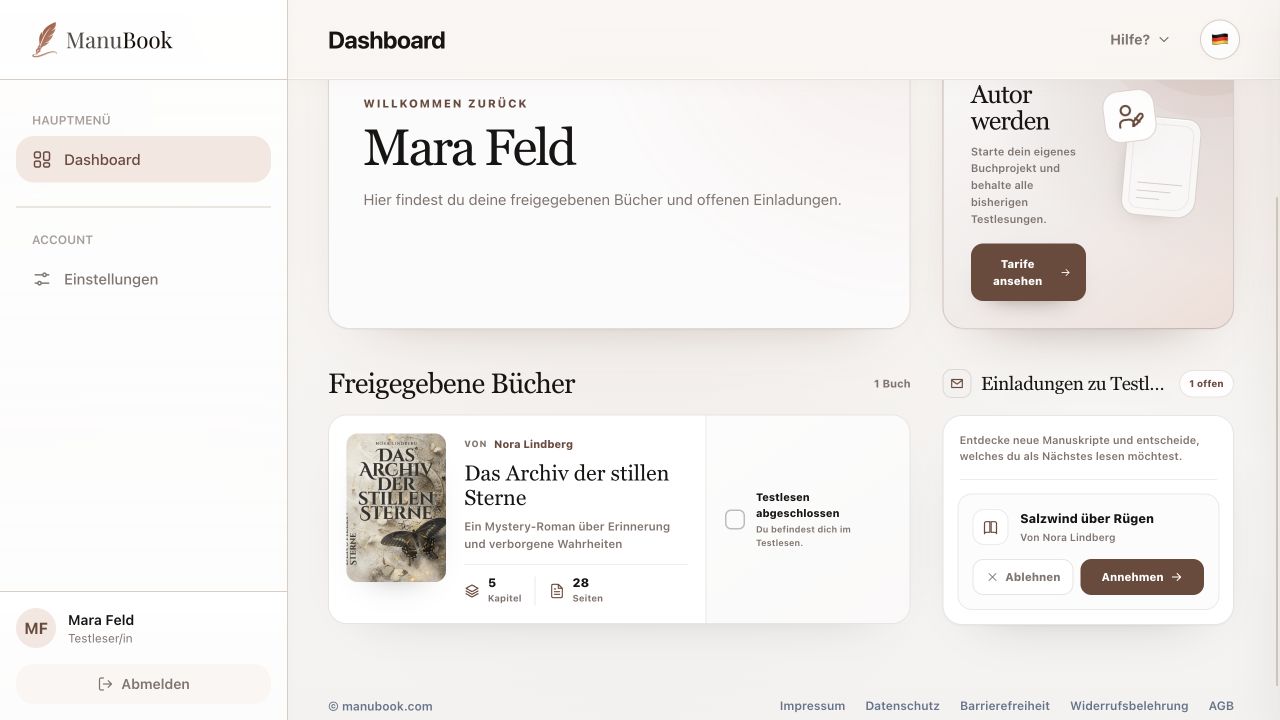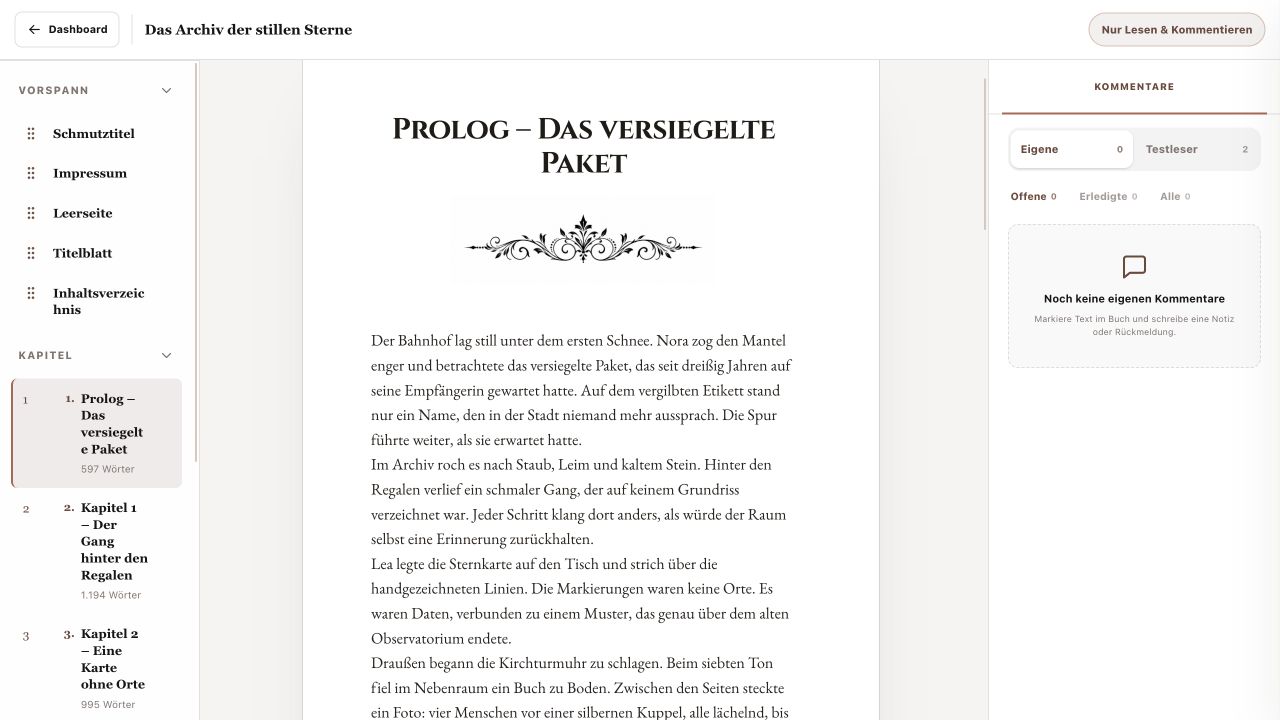
After sending your final feedback, you can personally mark the beta read complete. Account details and security options remain available separately under Settings.
1. Complete the beta read
On the relevant Dashboard card, enable “Beta Reading Completed”. The card remains accessible but is marked complete and sorted after beta reads still in progress. Clear the checkbox if you need to continue working on it.
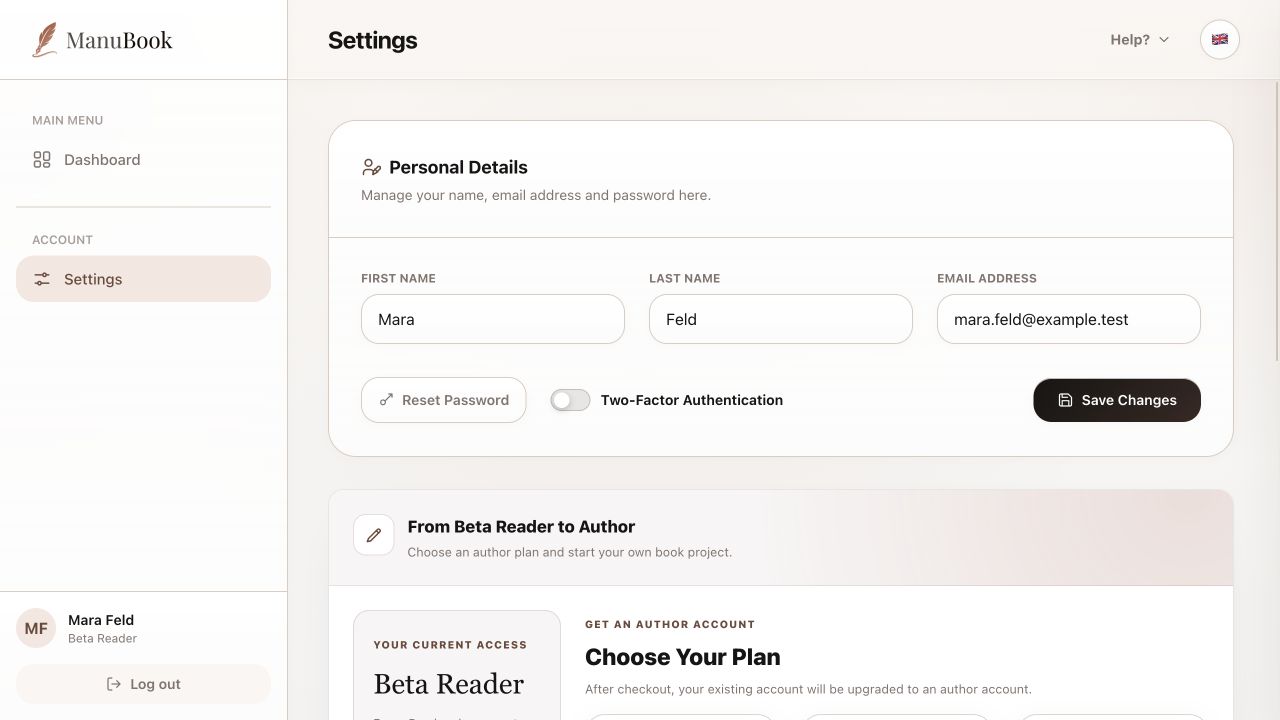
2. Personal details and security
Settings lets you change first name, last name and email, then apply them with “Save Changes”. You can also start “Reset Password” and enable “Two-Factor Authentication”. Change the interface language from the language icon in the header.
3. Optionally become an author
From Beta Reader to Author lists available author plans. Your existing account receives author features only after you choose a plan and successfully complete checkout. Existing shared books and beta reads remain available.
- You do not need an author plan to read and comment on shared books.
- Your completion marker does not remove book access; the author manages that permission.
Your beta read is clearly completed and you understand every relevant account setting.