
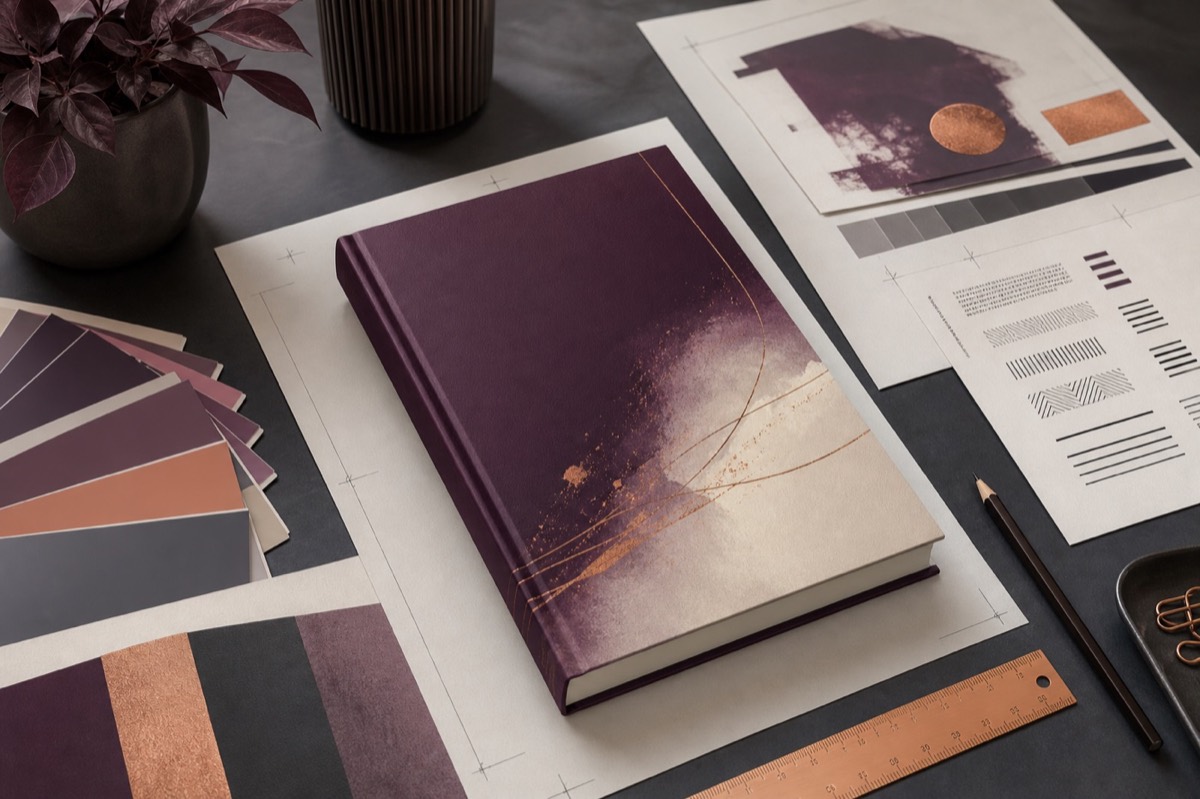
A cover has a demanding job. It must communicate from the size of a phone thumbnail, survive close inspection on a printed book, and fit a production template measured to the millimetre. Treating it as decoration usually creates revisions. Treating it as product design creates a repeatable path.
Begin with the reader's shelf
Collect recent covers that compete for the same reader, format and market. Look for signals rather than designs to imitate: scale of type, image density, colour temperature, character presence and emotional tone. Genre conventions are a visual shorthand. Our genre guide explains why reader expectations matter beyond the cover too.
Write a visual brief before opening a design tool
Define the audience, format, central emotion, one main image idea and three adjectives. “Adult historical mystery; restrained, atmospheric, intelligent; a weathered key against pale stone” is actionable. “Include everything important in the story” is not.
Design the hierarchy in black and white
Place the title, author name and any series information before choosing imagery. Shrink the design until it resembles a store result. Can you still read the essential words? One expressive display face plus one quiet supporting face is usually easier to control than a collection of decorative fonts.
Choose imagery with production in mind
Confirm that photography, illustration and texture licences cover commercial book packaging and advertising. Keep records. Check resolution at the final print size rather than relying on the pixel dimensions alone. If you combine several images, match light direction, perspective, grain and colour so the result feels intentional.
Build the wrap only after the interior settles
A paperback wrap includes back, spine, front and bleed. Spine width changes with page count, paper and printer. Use the current template from your print provider after the interior pagination is stable. Never assume the dimensions from another edition will match.
Protect essential type from trim and folds. Leave the barcode zone usable and inspect how imagery crosses the spine. Our guide to paperback production provides the surrounding format context.
Run four tests before export
- Thumbnail: genre and main title register immediately.
- Greyscale: contrast still supports the hierarchy.
- Physical size: back-cover copy and spine type are comfortable to read.
- Print preview: no important element crosses trim, fold or barcode areas.
Prepare separate deliverables
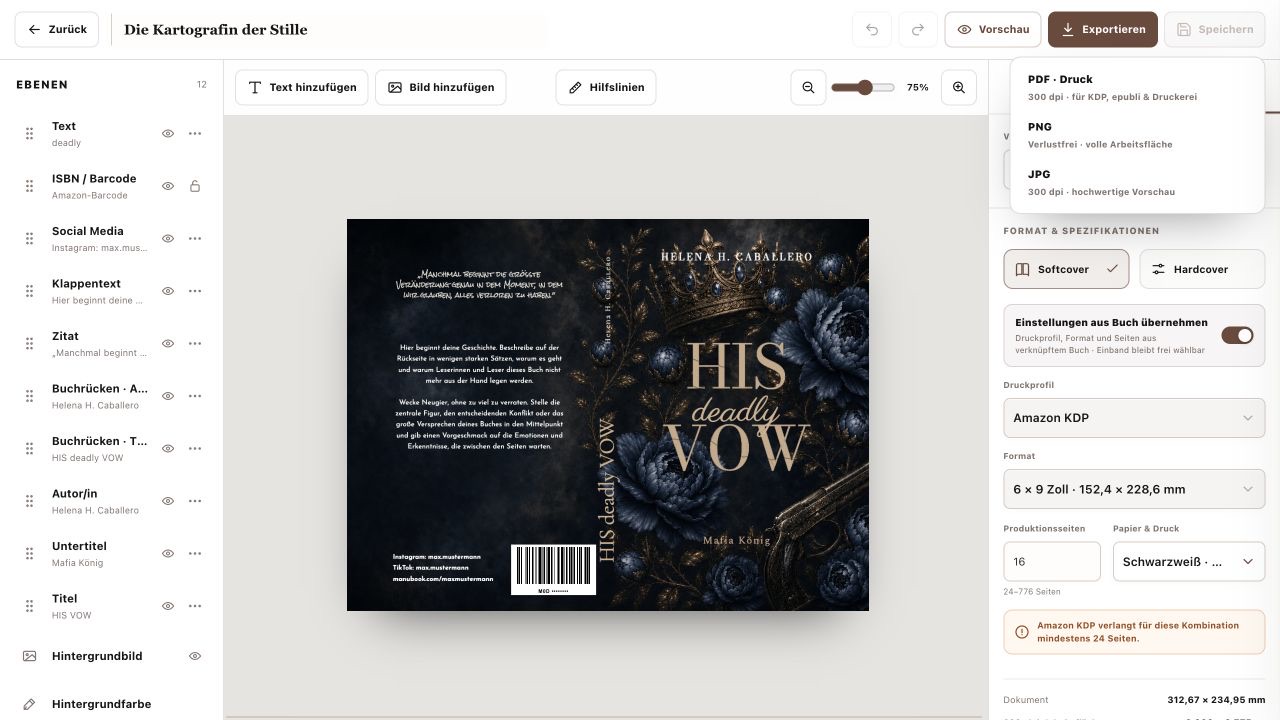
Online retailers commonly need a front-cover JPG with specific dimensions and colour requirements. Print services need a complete wrap, often a PDF with fonts embedded and images at suitable resolution. Use each provider's latest specification and approve the generated preview carefully.
Where ManuBook helps
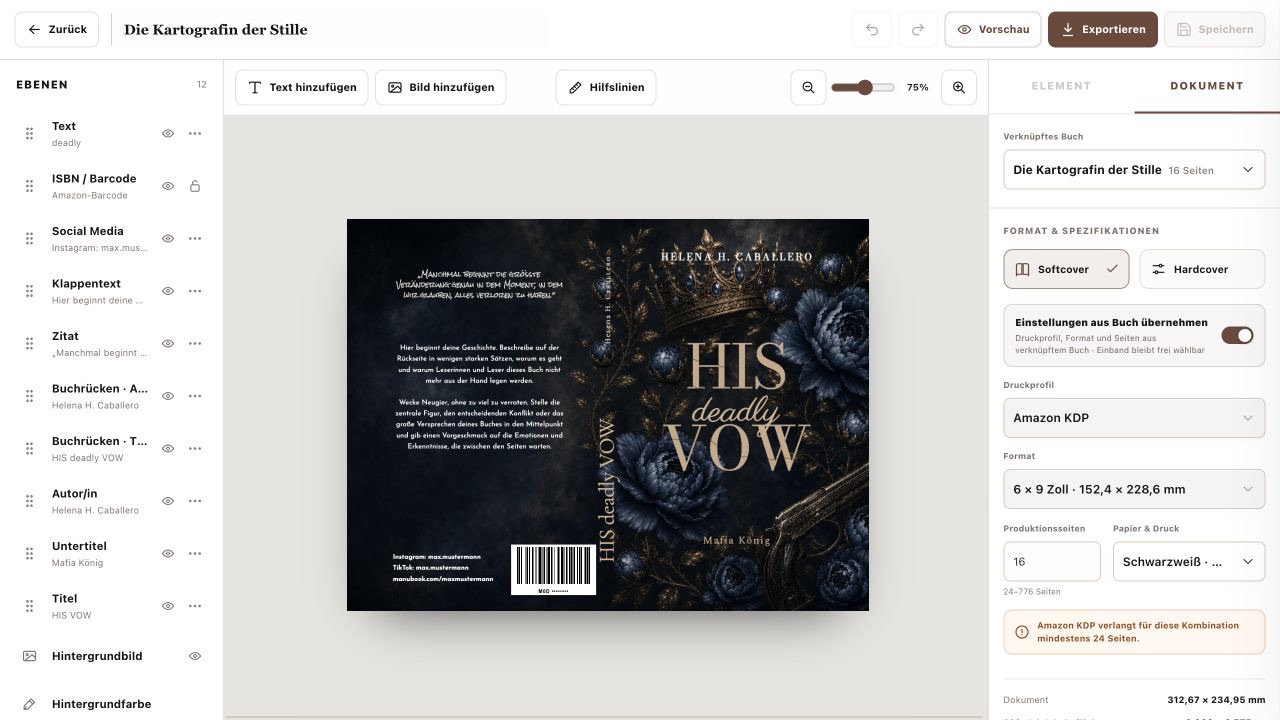
ManuBook's cover workspace keeps the front, spine and back together and derives the printable geometry from your book settings. Templates provide a starting composition while remaining editable. This reduces the gap between a strong visual concept and a technically usable file, including editions intended for Amazon KDP.
The simplest route is disciplined, not generic
Research the shelf, choose one idea, establish type hierarchy, calculate the wrap and test the output. Those steps make room for creativity because they remove avoidable uncertainty. A cover does not need to tell the entire story; it needs to make the right reader want to open it.
Design the promise before you design the decoration
A cover is a piece of navigation. At thumbnail size it helps the right reader decide, “this belongs in the part of the store I enjoy.” Build a reference wall of recent books from the narrowest relevant category. Record specific evidence—title scale, image distance, contrast, serif or sans serif, author-name position—not vague reactions such as “modern.” Then decide which conventions you need for recognition and where one controlled departure can create identity.
A production-minded ManuBook workflow
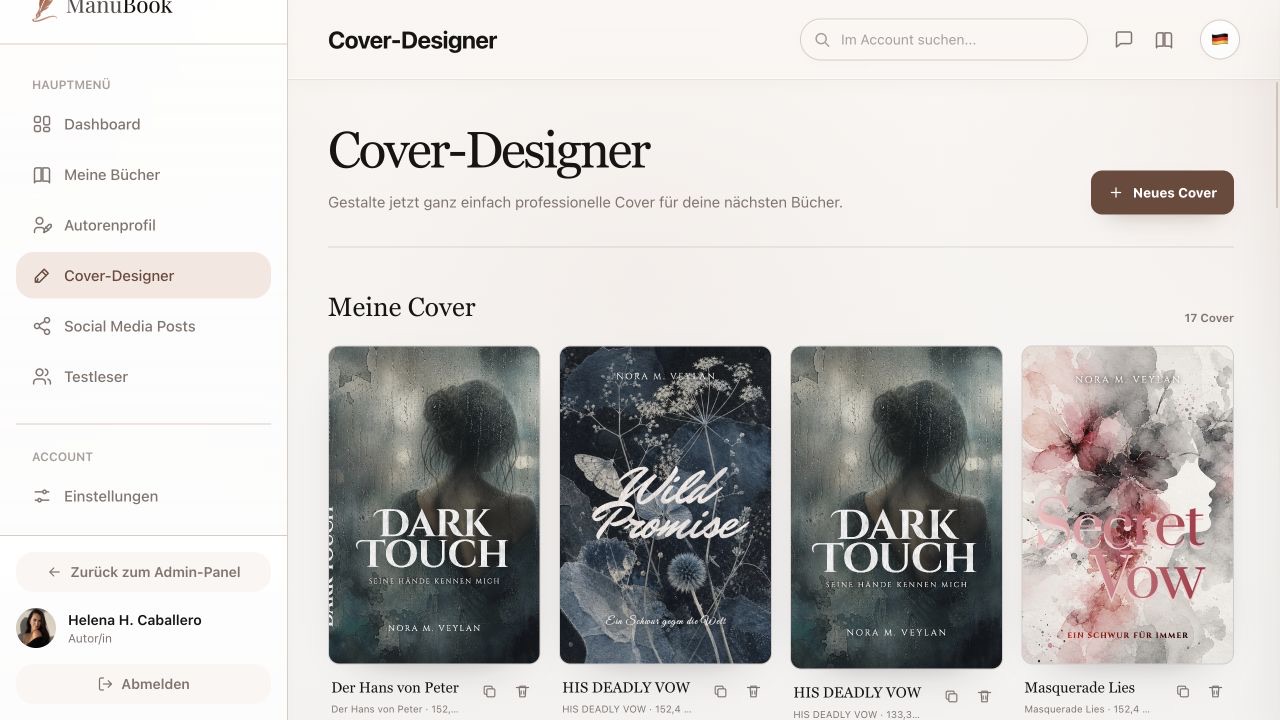
Link the cover to the book project before polishing the artwork. Confirm binding, provider, trim, paper and final production page count. ManuBook can then calculate the document around the chosen print profile. Work through layers in deliberate order: background concept, title, author, supporting copy, spine, back-cover copy and barcode area. Use guides to check folds and safe zones, then review the result as a tiny shop thumbnail.
What the KDP cover calculator is actually calculating
For a paperback, full width is outside bleed + back cover + spine + front cover + outside bleed. Height is trim height plus top and bottom bleed. KDP currently specifies 0.125 inch (about 3.2 mm) of outer bleed. Spine thickness changes with page count and paper stock: the current KDP examples use 0.002252 inch per page for black-and-white white paper and 0.0025 inch for cream paper. Treat those as provider specifications, not eternal design constants.
| Review | Question | Repair |
|---|---|---|
| One-inch thumbnail | Can you read the title and infer the shelf? | Reduce competing copy; strengthen scale and contrast. |
| Grayscale | Do title and image separate by value? | Change light/dark relationships, not merely hue. |
| Full wrap | Do edges become awkward at the spine or folds? | Extend continuous backgrounds and move focal detail away from variance zones. |
| Metadata | Does every visible title detail match the listing? | Correct the source metadata and cover together. |
| Rights | Can you prove permission for image and type? | Replace unlicensed assets before launch, not after a complaint. |
Cover-production questions
Can one file serve paperback and hardcover?
The concept can carry across, but production geometry usually cannot. Generate and proof a dedicated file for each binding and provider profile.
When should I commission the cover?
Art direction can start early. Final mechanical production should wait until trim, stock, binding and page count are stable.
Why does the proof copy matter if Previewer passes?
A digital check cannot fully show physical darkness, paper influence, trimming variance, spine alignment or small-type comfort. The proof is a separate evidence layer.