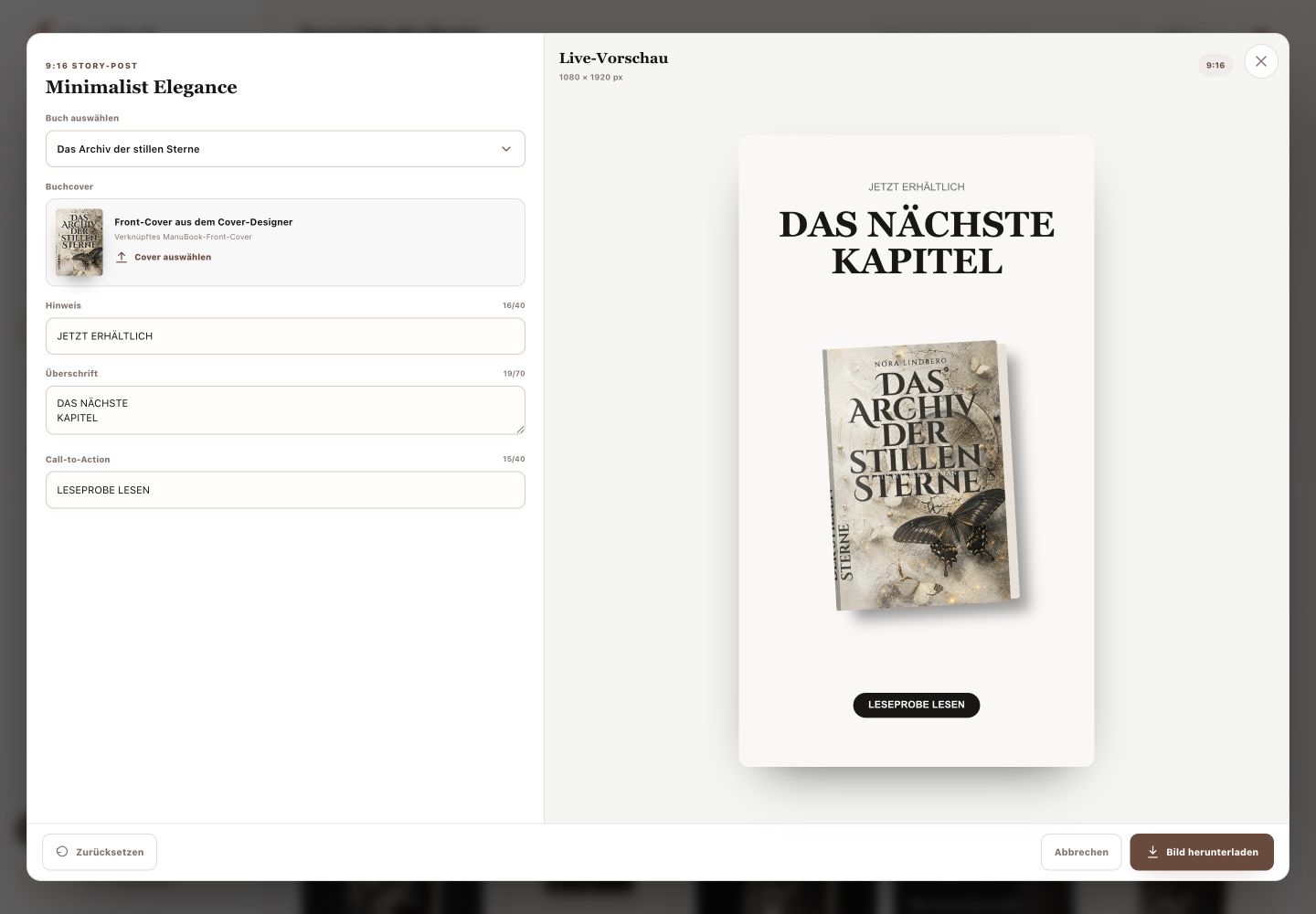
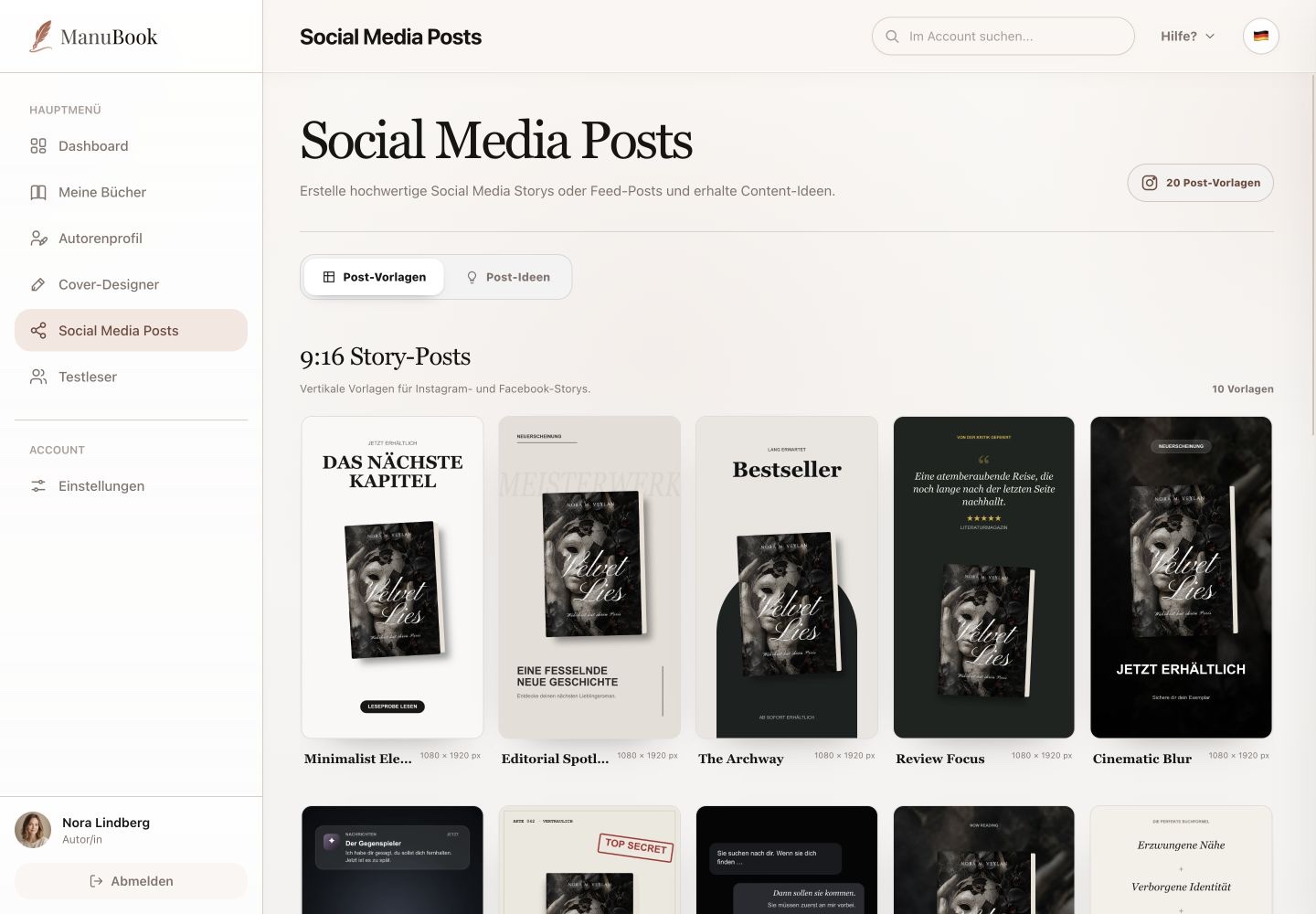
Post Templates shows 20 finished layouts in two fixed format groups. The selected template already determines output dimensions.
Menu pathSocial Media Posts → Post Templates
1. Choose story or feed
“9:16 Story Posts” are 1080 × 1920 pixels for Instagram or Facebook stories. “3:4 Feed Posts” are 1080 × 1440 pixels for portrait feed content.
2. Assess a template
Look at how much space the template gives to cover and text. Choose a layout whose hierarchy suits your message, such as a launch, quote, review or reading update.
3. Open the editor
Select the preview or “Use template”. The editor opens directly for that layout and format. There is no separate format selector after opening.
- Choose a format group.
- Review template previews.
- Open the intended template.
Done
You selected a template whose fixed dimensions and structure fit the post.